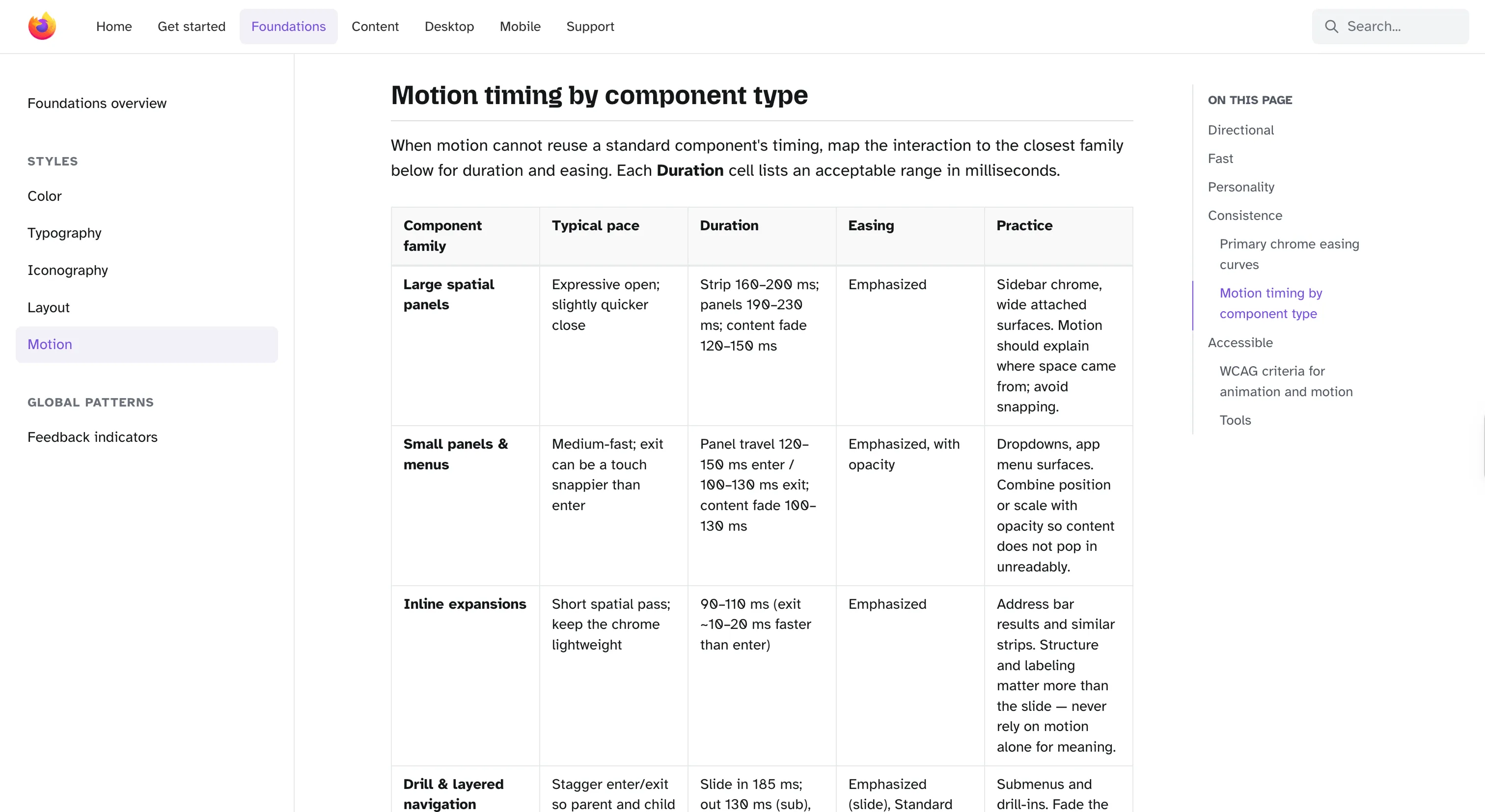
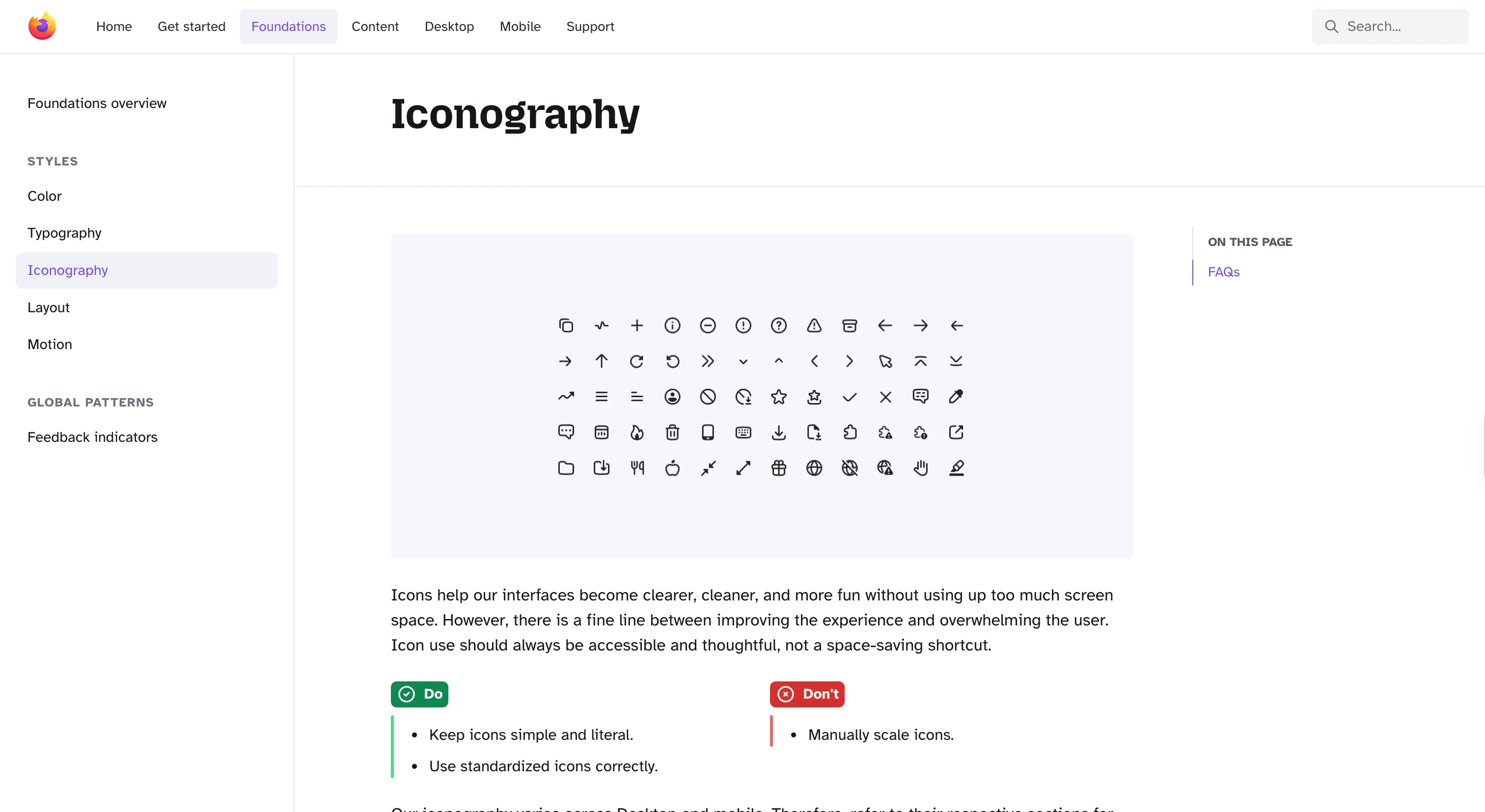
Mozilla's system for Firefox, documenting the browser's actual shipped design across desktop, iOS, and Android for the global community that builds Firefox.
Why we like it
Acorn is a rare example of a design system that documents what already exists rather than specifying what should be built. The components themselves live inside the Firefox browser repos, desktop in mozilla-central and the two mobile browsers in their own trees, so there's no npm package to install. What Acorn ships instead is the current state of Firefox's design, maintained by the team that ships the product, with content, foundations and platform-specific guidance for desktop and mobile each in their own tracks.
The part we keep coming back to is a plain FAQ page that maps every design system at Mozilla, Acorn, Protocol, the retired Photon, the private Nebula and a handful of style guides, with one line each on what it's for. For an org that has shipped many systems over many years it's an unusually honest piece of writing, and it saves anyone outside Mozilla from reviving a dead system by mistake.
Where it fits
Acorn is documentation-first and tied to Firefox, so it fits best as a reference for how a long-running, multi-platform product documents its own design, rather than something to adopt. Teams working on Firefox itself, or on extensions and themes that need to feel native, will get the most practical use. Everyone else should read it for the model, not import the parts.
For Mozilla marketing sites, Protocol is the system to reach for instead.
Ideas to borrow
- 01.
Documentation
Document the product's real shipped design, maintained by the team that ships it, rather than a parallel spec that drifts away from the code the moment it's written.
- 02.
Governance
Publish a one-page landscape of every design system in your org, marked active, retired or private, so people know which to reach for and stop reviving dead ones.