Apple's guidance for designing apps across its platforms, from iPhone to Vision Pro. Guidelines and design kits rather than a component library, since the components themselves ship in SwiftUI and UIKit.
Why we like it
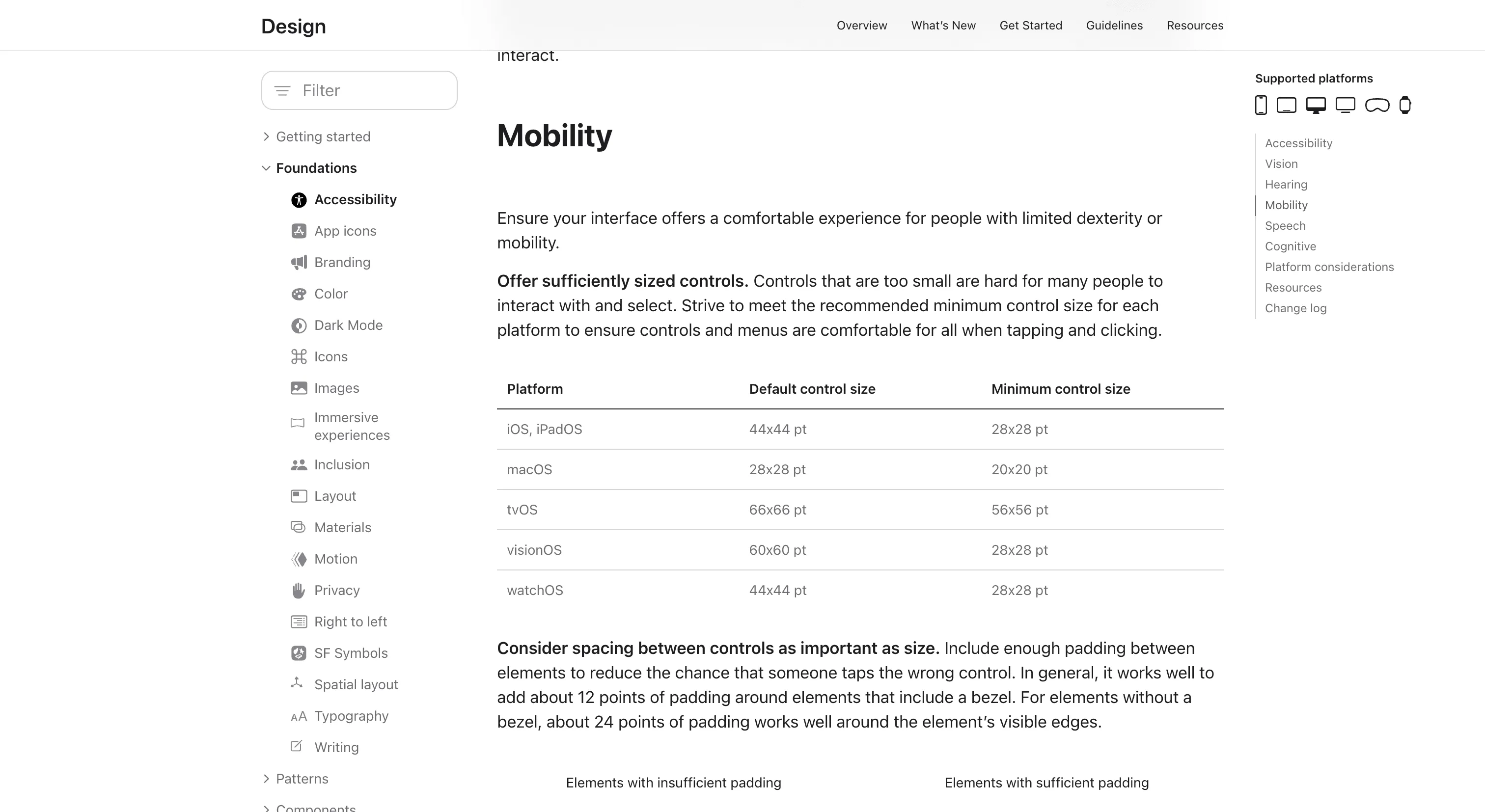
The HIG is the clearest example around of one design language documented for many kinds of device at once. Every page ends with a Platform considerations section, and when nothing differs it says so outright, so a reader knows each platform was checked rather than forgotten. Where platforms do differ, the detail is specific. The accessibility page lists default and minimum control sizes for every platform, from 44 by 44 points on iOS to 60 by 60 on visionOS.
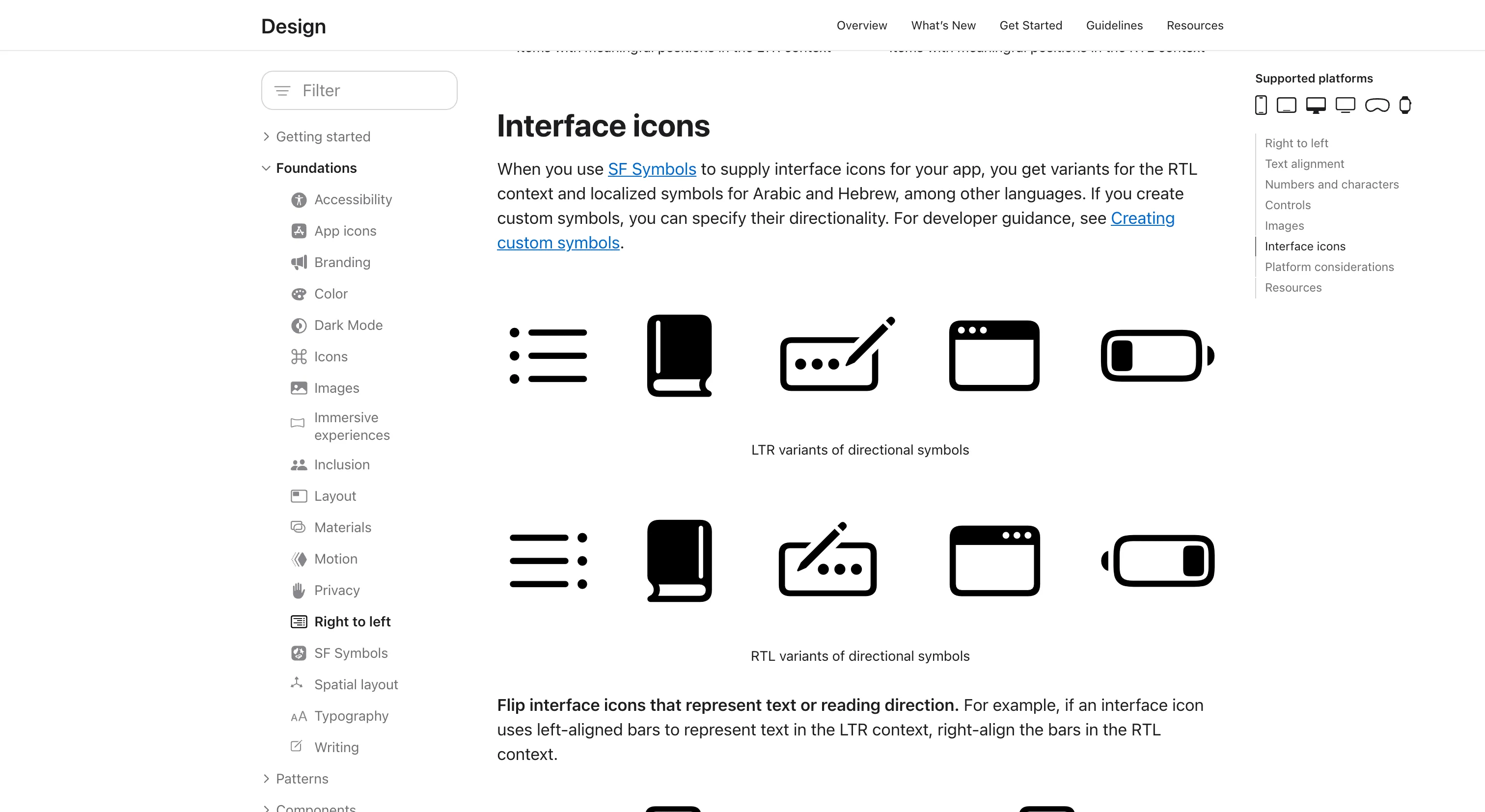
The rules are concrete enough to act on straight away. Error messages should avoid "we." Arabic and Hebrew text sits about 2 points larger next to all-caps Latin. Status text for generative AI should say what's happening, like "Finding substitutions for ingredients," instead of "Processing…" Each page also keeps its own dated change log, and those roll up into one What's new feed, so a team can see exactly what moved since they last looked.
Where it fits
The HIG is the reference for any team building native apps or games for Apple platforms, from solo developers to large companies. It's also useful well beyond that audience, for anyone designing one product that has to adapt across very different screens and inputs.
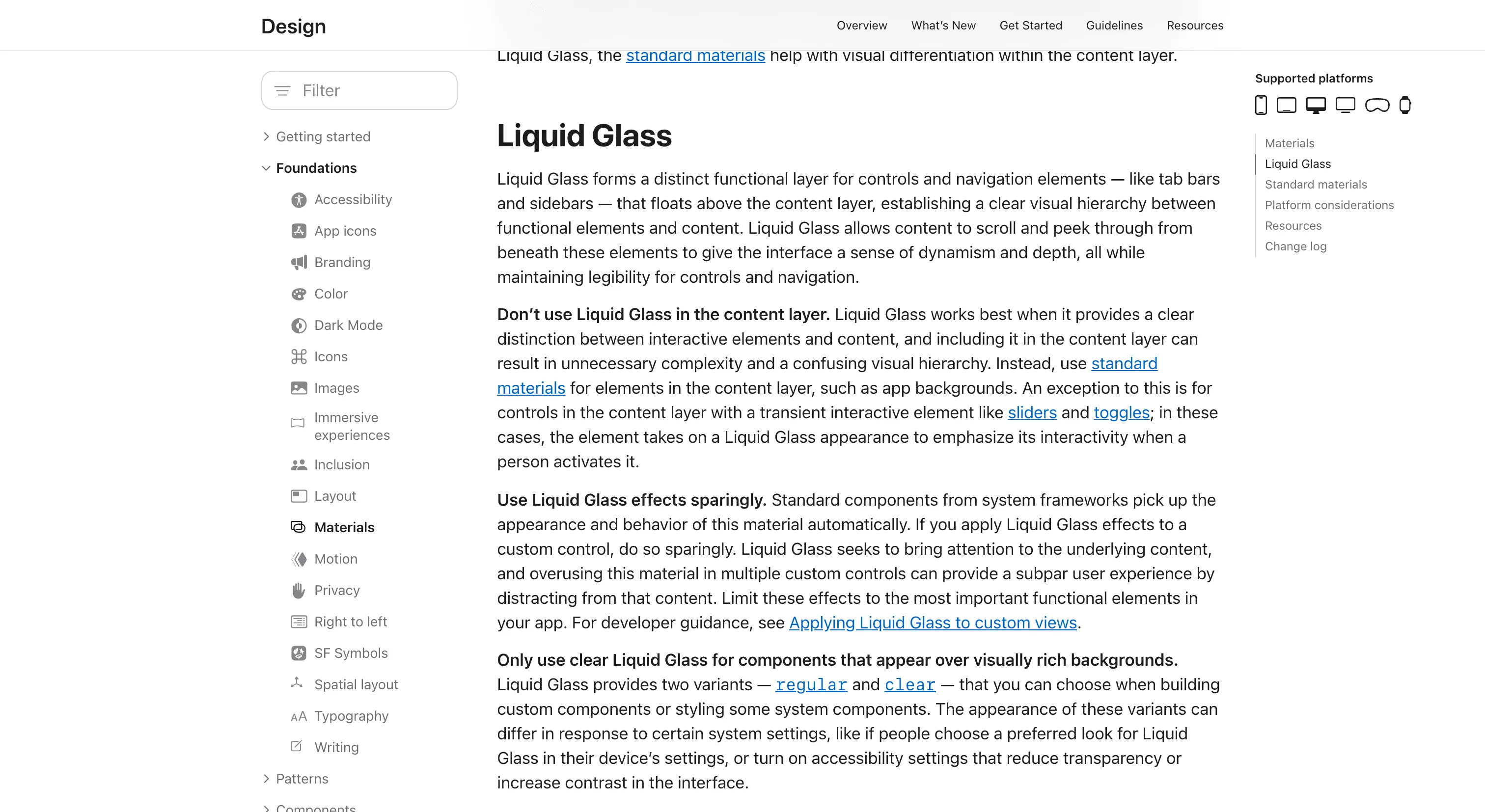
It's guidance more than a toolkit. There are no tokens to export, the components live in SwiftUI, UIKit and AppKit, and the SF fonts and design kits are licensed only for designing apps for Apple platforms, so the ideas travel further than the assets. The Liquid Glass redesign is still being refined page by page, so expect the guidance to keep moving from one OS release to the next.
Ideas to borrow
- 01.
Documentation
Give every guideline page a fixed platform considerations section, and say "no additional considerations" when nothing differs, so readers can tell checked from forgotten.
- 02.
Process/automation
Keep a dated change log at the foot of each page and roll the entries into one filterable feed, so consumers see what changed without diffing the docs.
- 03.
AI-readiness
Publish a Markdown twin of every docs page, declared with a link rel="alternate" tag, so agents and assistive tools get clean content without rendering the site.