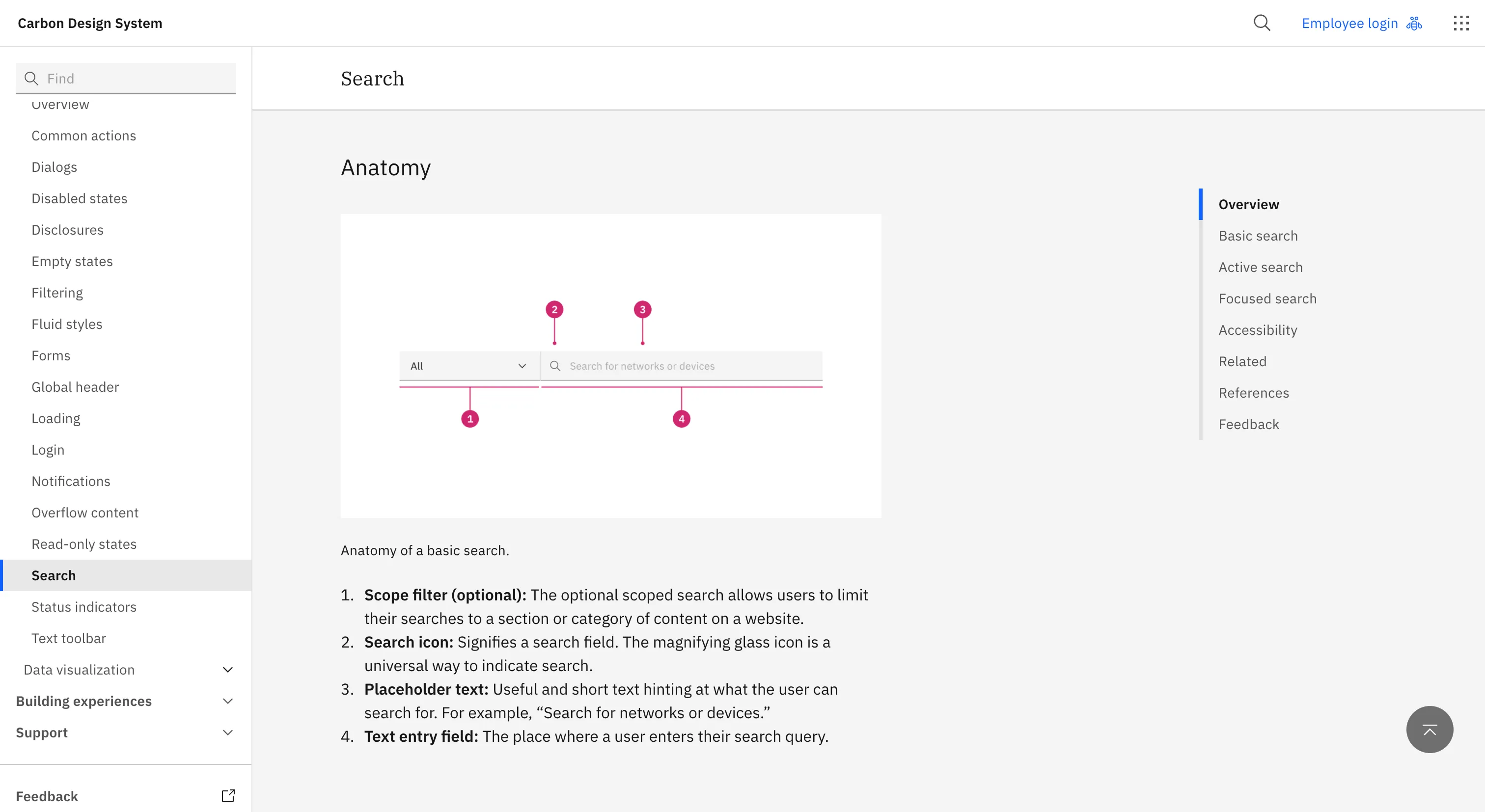
IBM's open-source system for data-dense enterprise software. Known for broad framework support and rigorous, information-heavy patterns.
Why we like it
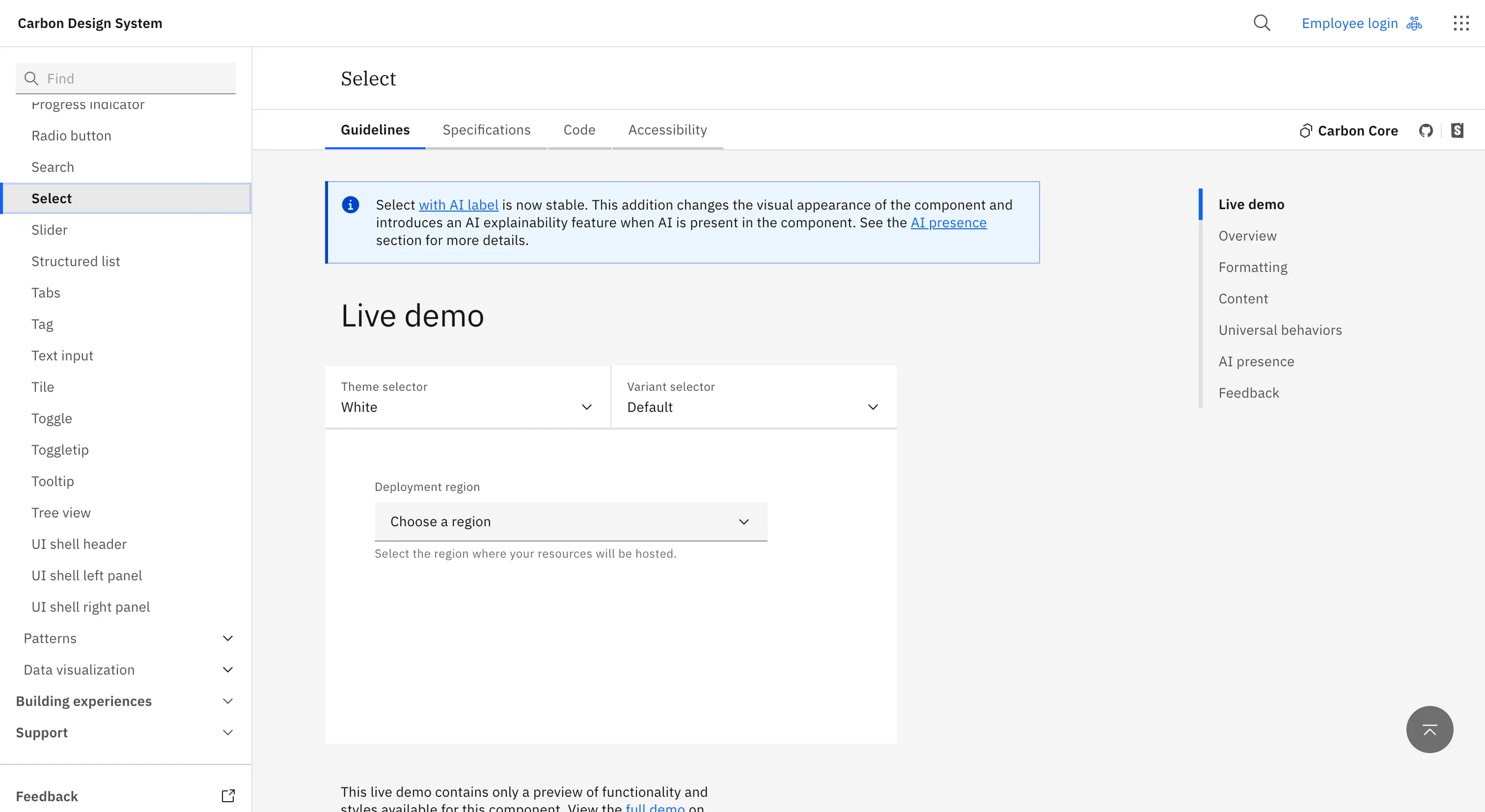
Carbon has been around long enough to have strong opinions, and it's earned them. The thing that stays with us is how it treats accessibility as something to show rather than claim: there's a status matrix that scores every component, more than a hundred of them, across states, keyboard and screen reader, with automated checks on every pull request and people testing by hand against JAWS, VoiceOver and NVDA. Most teams keep that kind of detail to themselves, if they track it at all.
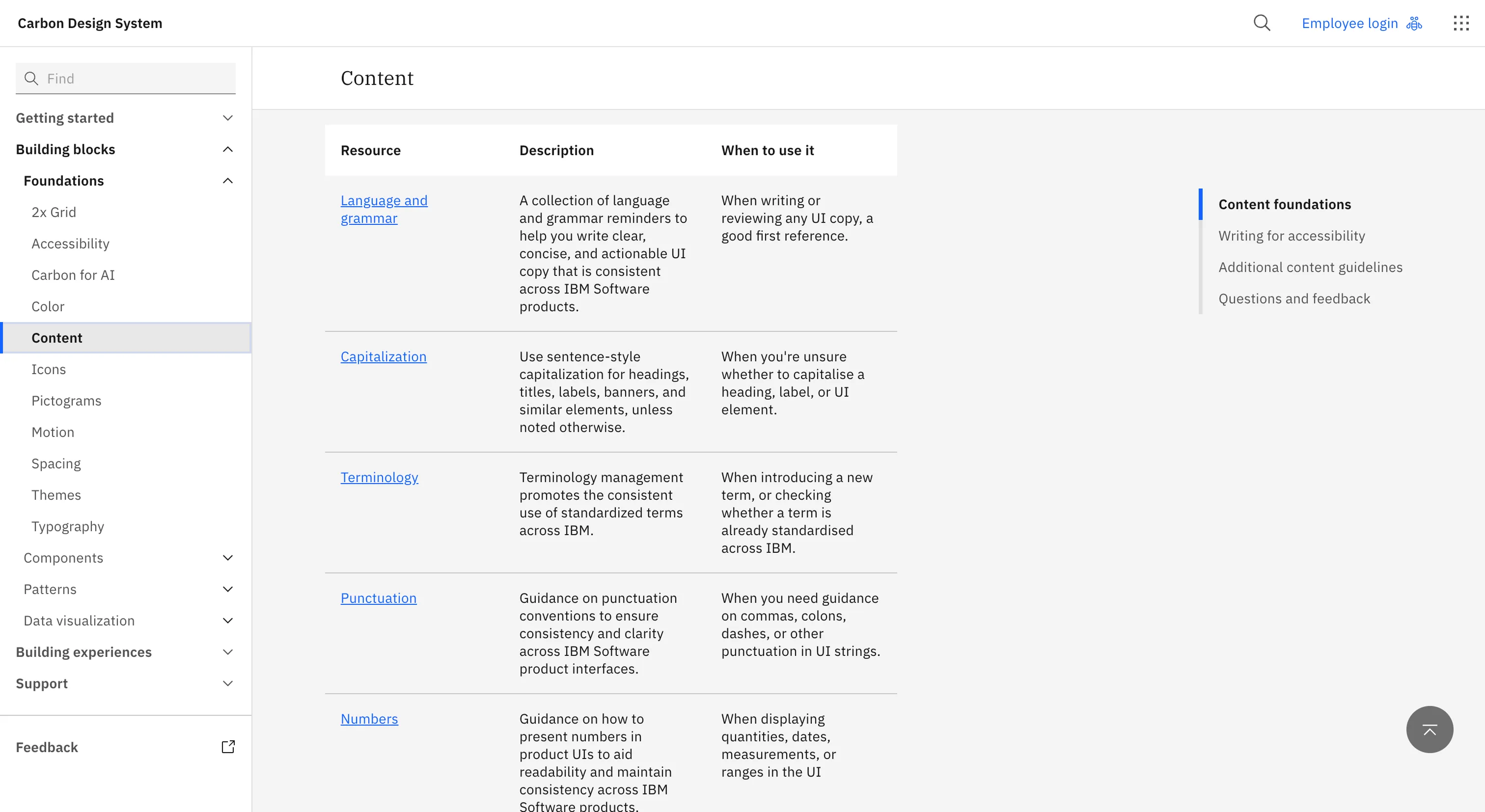
It runs deep elsewhere too, with a token layer split into focused packages you can pick from, broad framework support, and IBM Plex tying it together. There's a lot here, and the openness is what makes it such a good one to learn from.
Where it fits
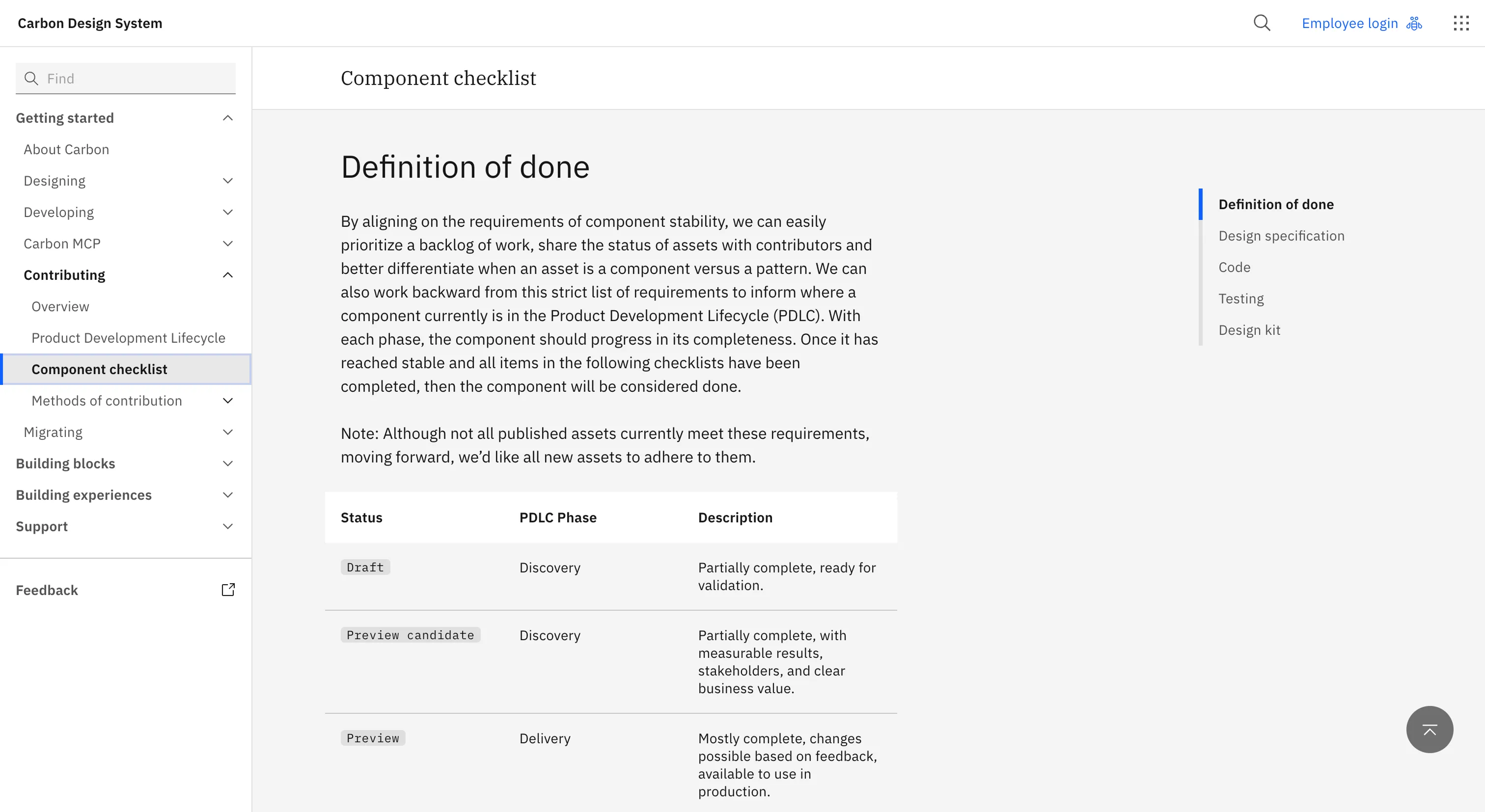
We see Carbon working best for data-dense enterprise and developer tools, and for teams with the front-end capacity to make the most of something this thorough. A lot of it assumes building in code across frameworks, so that's where it shines.
If you're a smaller team wanting to move light and fast, there may be more here than you need, which is a fair thing to weigh up front.
Ideas to borrow
- 01.
Documentation
Our favorite move is one almost any team can copy: a component-by-component accessibility status table, published in the open, passes and gaps alike.
You don't need IBM's resources to keep one, and it earns its keep twice over, keeping you honest and showing the teams building on you what 'accessible' really asks for.