Coinbase's open-source system, CDS, built for web and mobile crypto products, with theming, accessibility validation, and an MCP server so AI agents can build with it too.
Why we like it
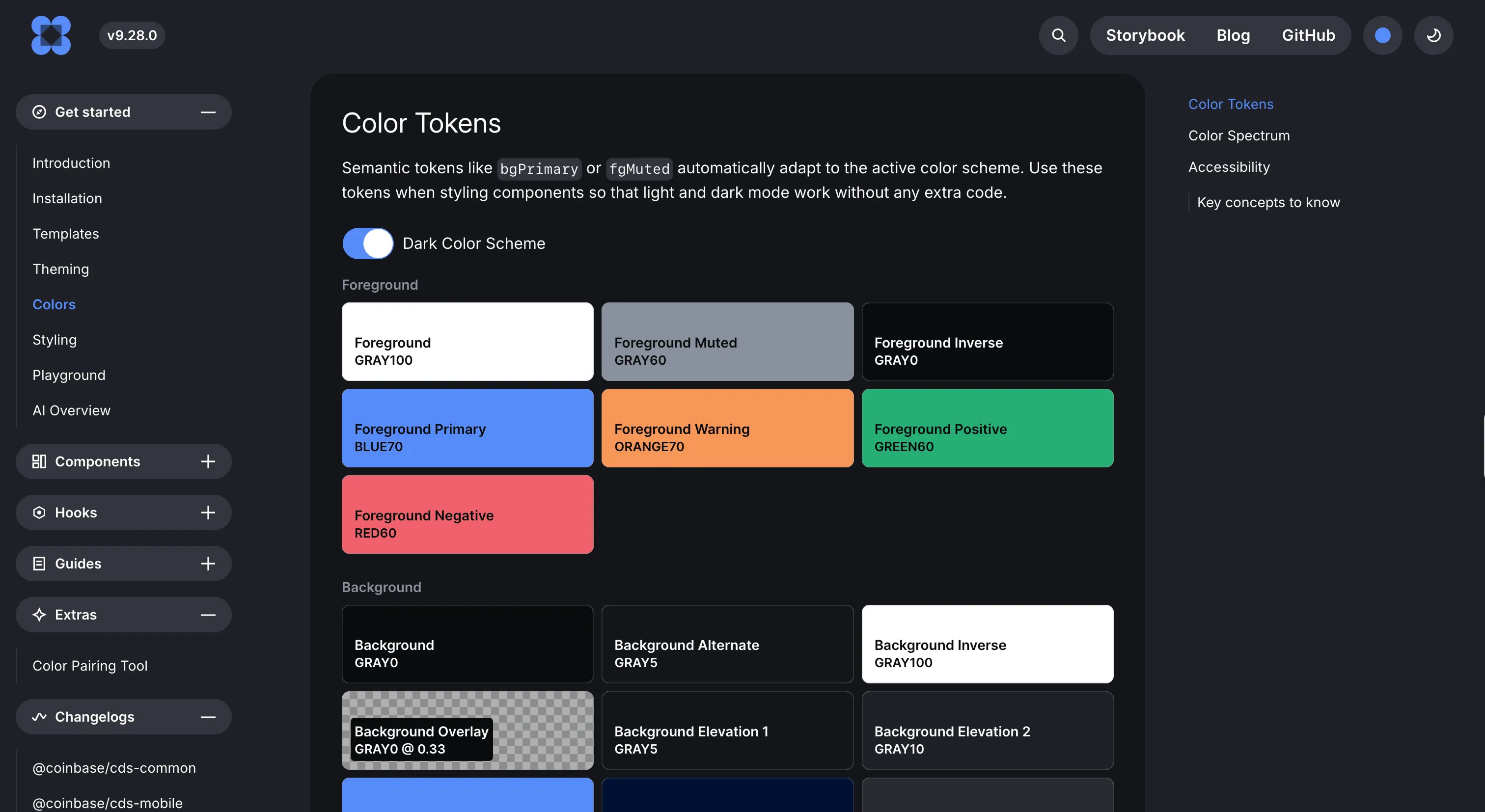
CDS is the most convincing example we've found of a system built for the way people build now, with an agent in the loop. Its MCP server ships as a dependency of the component libraries themselves, so its version can never drift from the code you actually have installed. On top sits an agent skill that detects whether you're in React or React Native, finds your installed packages, and reaches for the right components and semantic tokens.
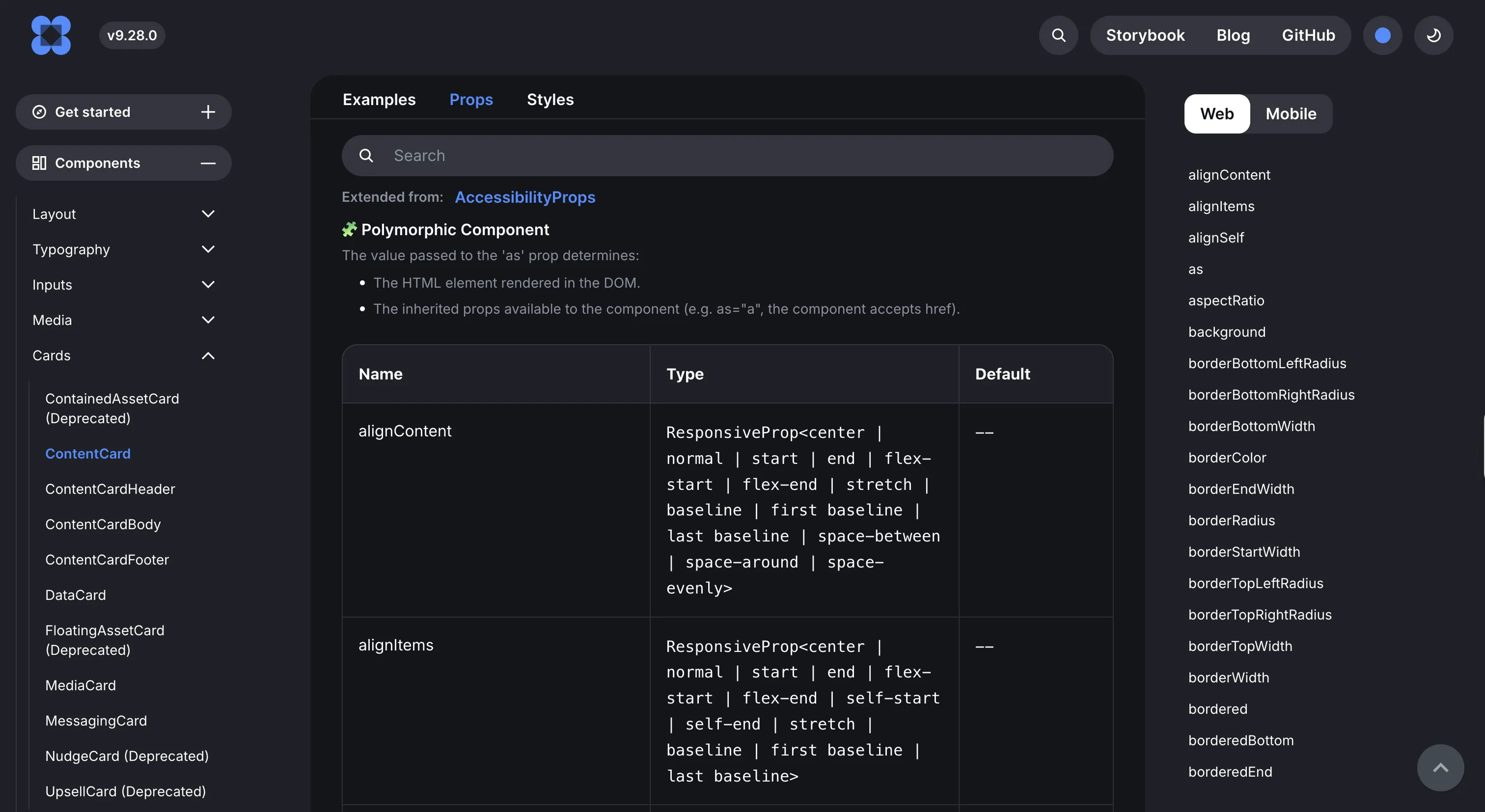
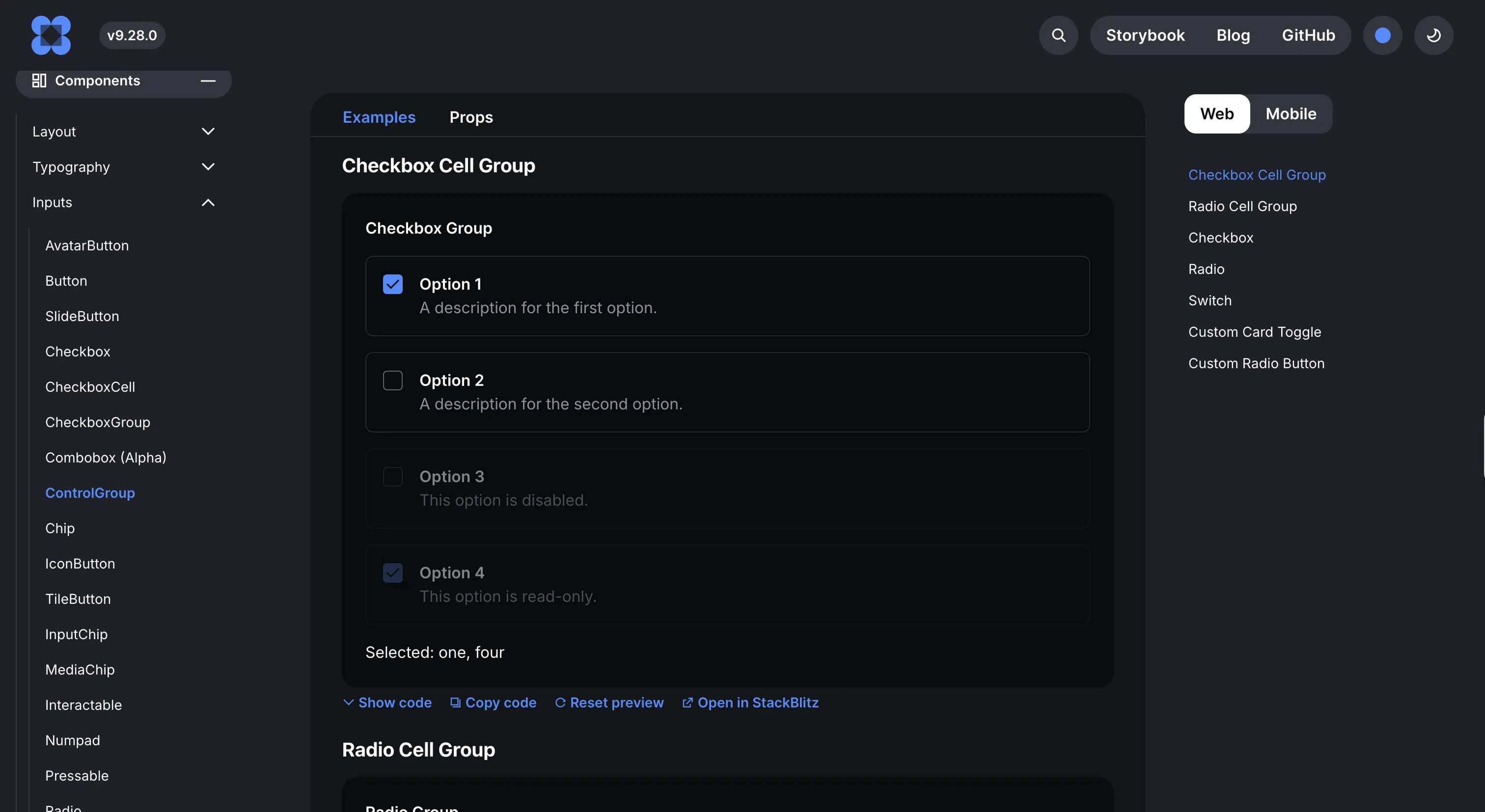
Underneath the AI plumbing it's a serious cross-platform system, shared web and React Native packages over a common core, powering the Coinbase app, Wallet and Base. Per-platform LLM route indexes round it out, so an agent can index just the docs it needs.
Where it fits
CDS fits React and React Native product teams, notably in fintech, who want an AI-native workflow out of the box. It's young, open-sourced in October 2025, and React-focused, so if you need native Android or iOS in their own languages, check current coverage first.
Ideas to borrow
- 01.
AI-readiness
Version your MCP server as a dependency of the component libraries, so an agent's context can never fall out of sync with the code that's installed.
- 02.
AI-readiness
Give your agent skill enough awareness to detect web versus native and route to the right components and tokens automatically.