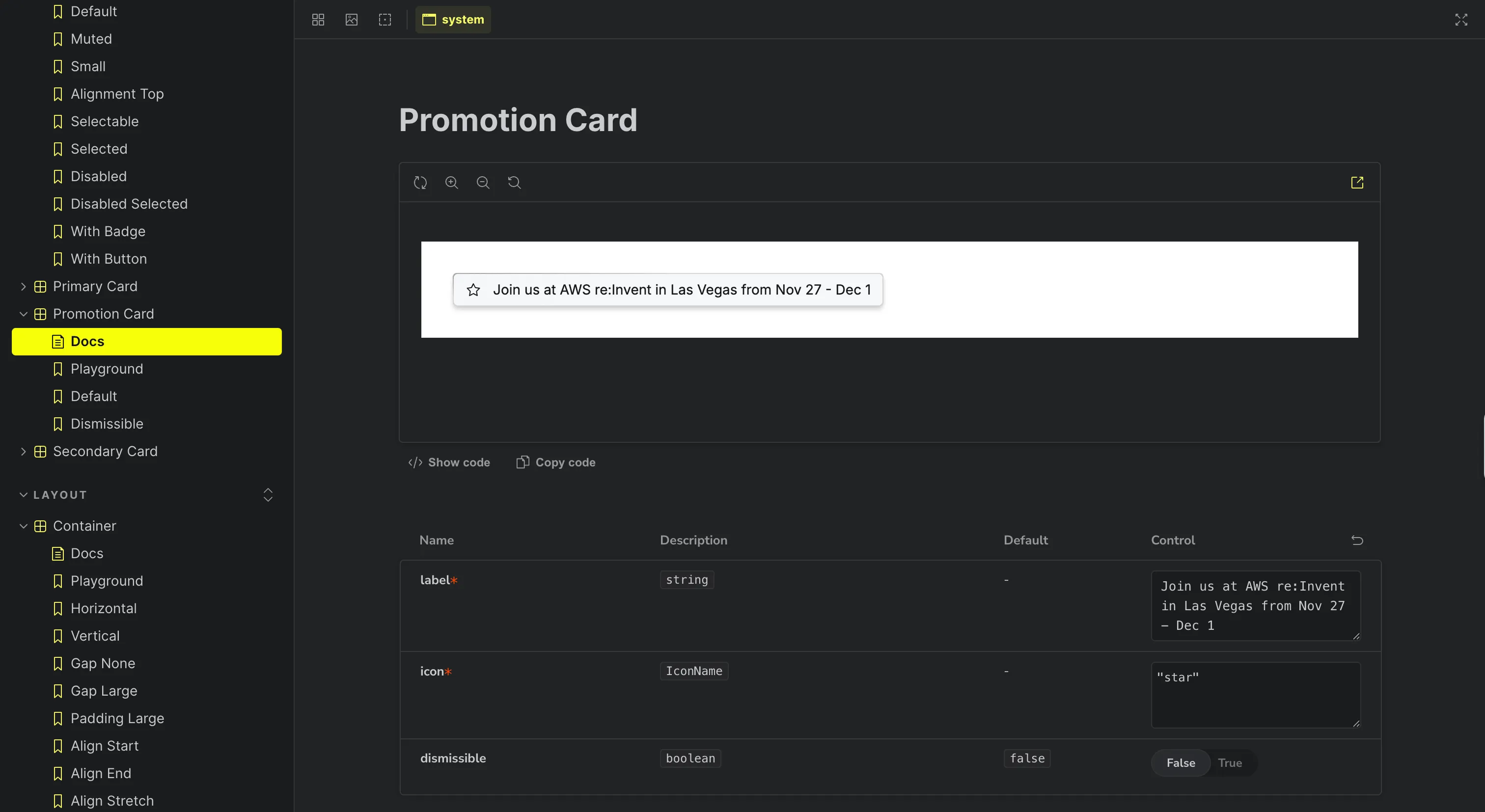
ClickHouse's design system, with design tokens and a component library (Click UI) for its analytics console.
Why we like it
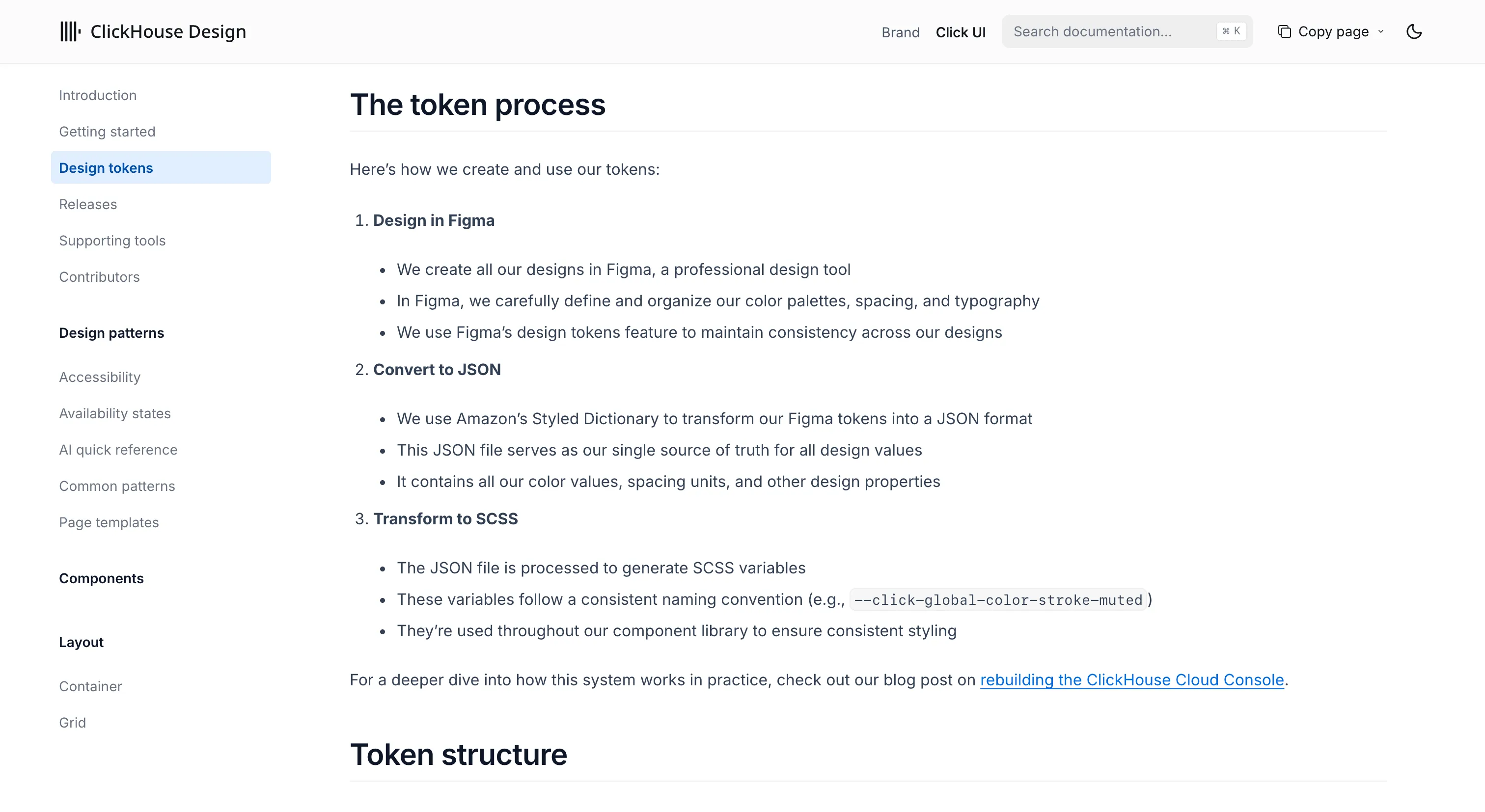
Click UI is small and sharply built, and it does two things we wish more systems did. All its component and token CSS lives inside one named cascade layer, so a consuming app's styles win overrides cleanly, without specificity fights. Tokens flow from Figma through Tokens Studio and Style Dictionary, regenerated with a build script.
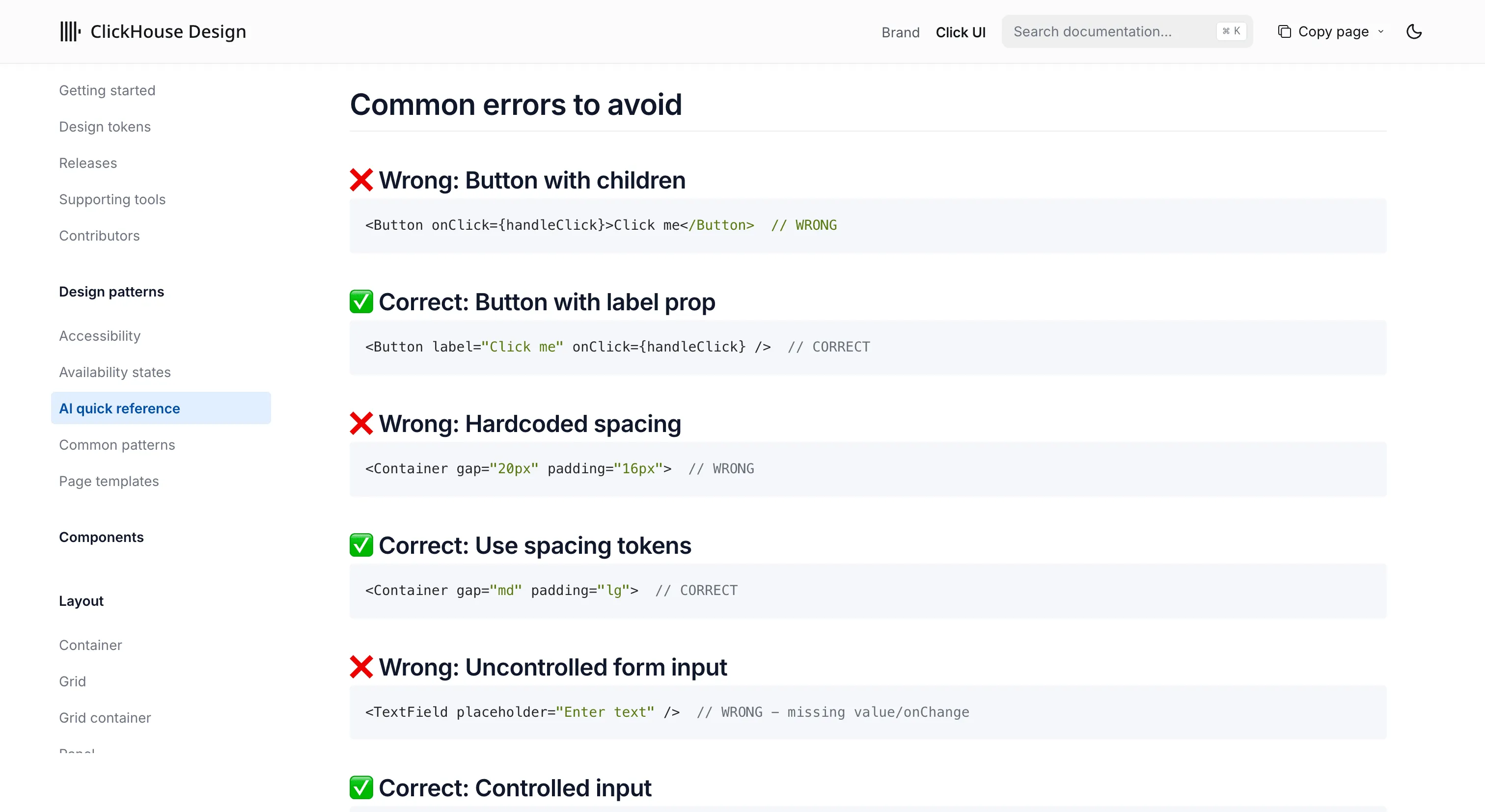
The other standout is an 'AI quick reference' page built for machines: a complete list of all 165 icons and 58 logos by exact name, a full props reference, a common-errors section, and fifteen numbered notes for AI tools. It's a real effort to get a model generating correct component code first time.
Where it fits
Click UI fits React teams building data and developer-tooling products who want a themeable, AI-friendly library. It's a young, single-vendor, React-only system, so it's lighter than the big multi-framework platforms here, which is part of its appeal.
Ideas to borrow
- 01.
AI-readiness
Publish one dense, machine-parseable reference that lists every icon, logo and prop plus explicit notes for AI tools, so agents generate correct code on the first pass.
- 02.
Token architecture
Put all your component and token CSS in one named cascade layer, so downstream app styles override yours predictably, no specificity hacks.