Salesforce's system for building on the Salesforce platform, now in its second major version. SLDS 2 moves styling onto CSS custom properties, so admins can rebrand an org and switch on dark mode without touching code.
Why we like it
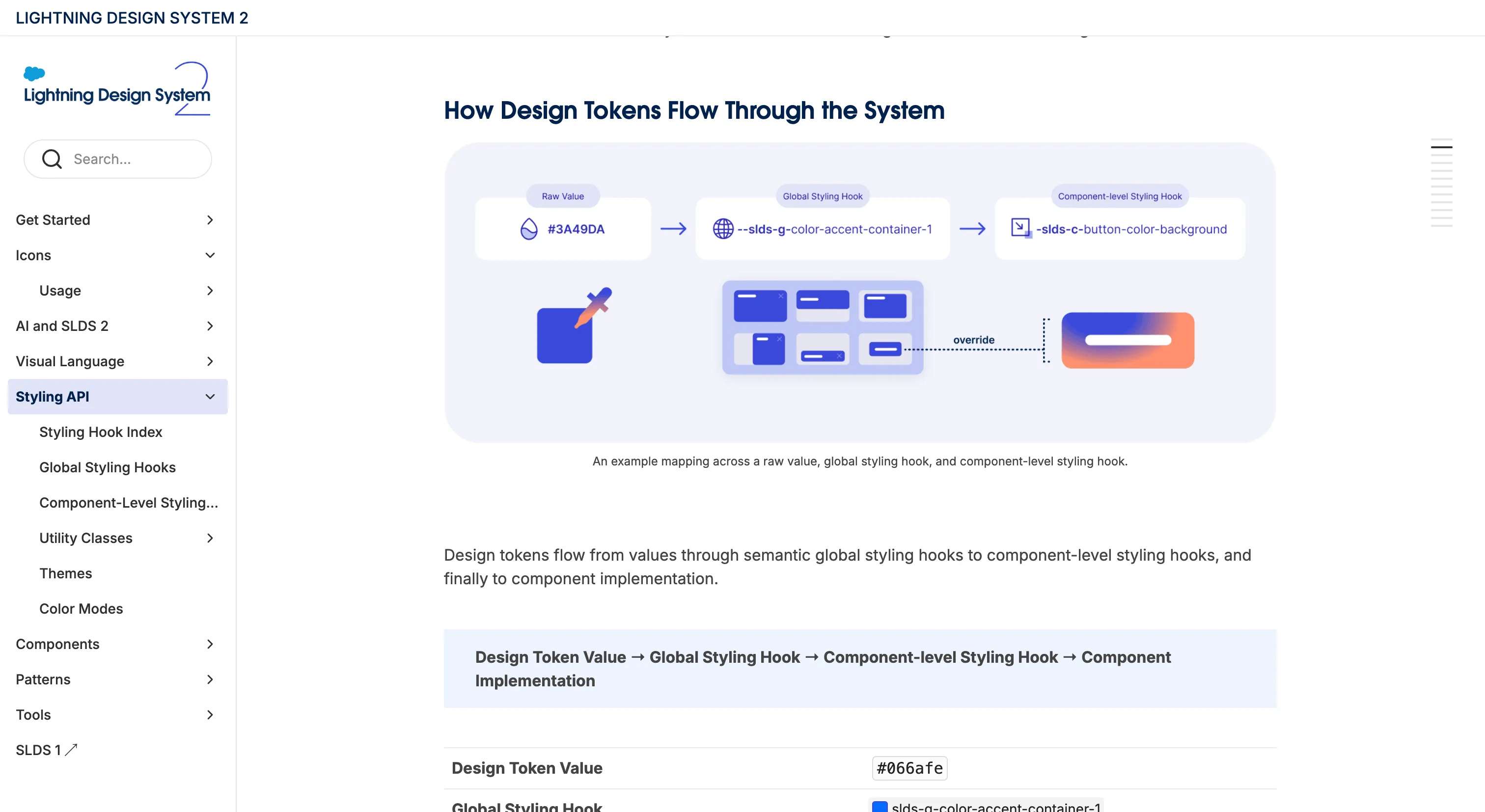
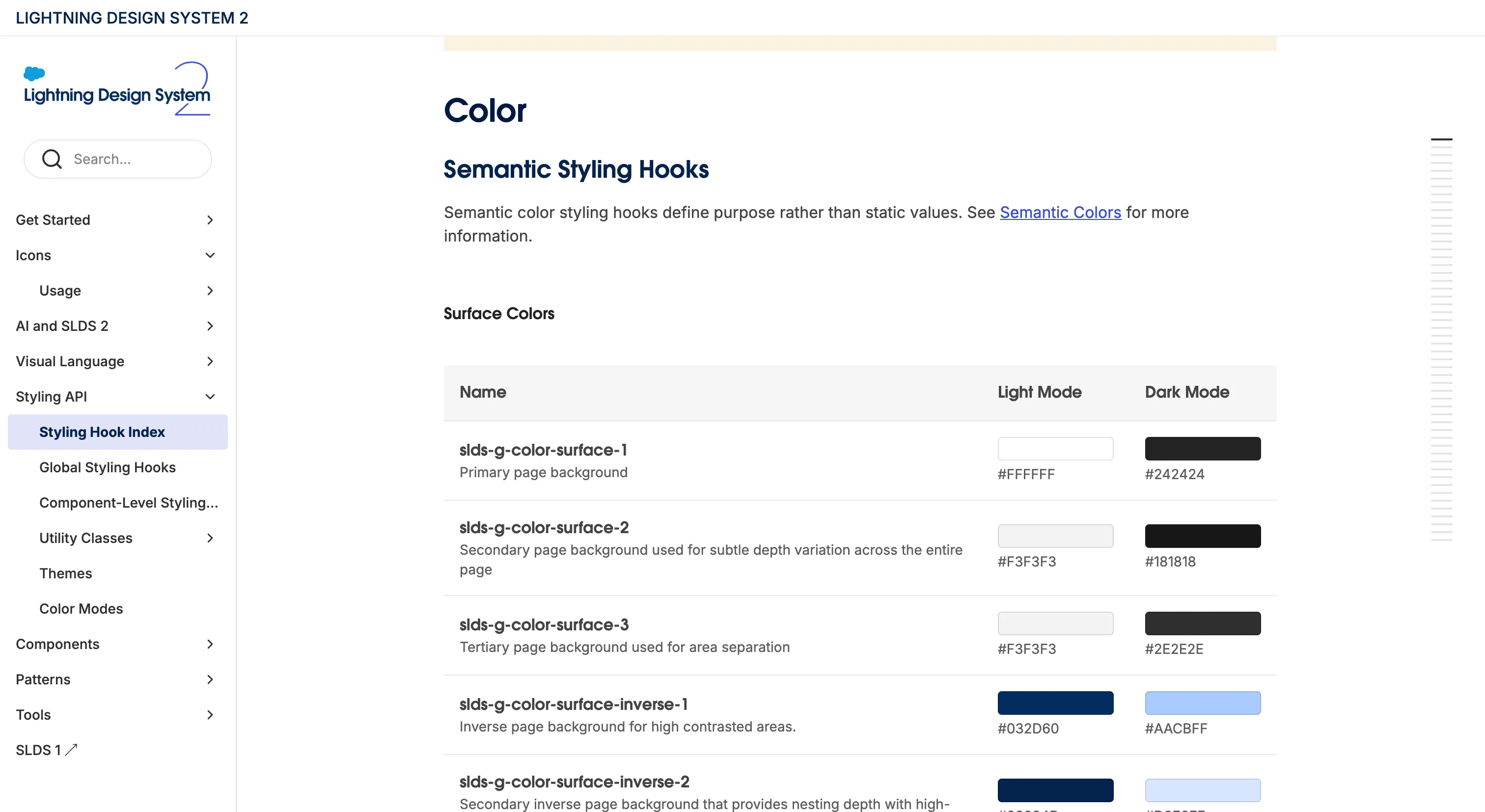
SLDS 2 had to solve a problem most design systems never face: restyling interfaces Salesforce didn't build. Admins, customers and partner developers have years of their own Lightning components on the platform, so the new version is opt-in per org and works through styling hooks, a three-tier set of CSS custom properties that runs from raw values to global hooks to component hooks. The global hooks are consume-only. Only Salesforce's theming tools set them, which is how an admin can pick one brand color in Setup and get calibrated accent colors and dark mode variants across the whole org.
The migration material is as good as the architecture. It's split by role (admins, designers, developers), starts with properties that don't touch the box model, like color, border radius and shadow, and shows partners how to keep SLDS 1 values as var() fallbacks so a managed package renders correctly in both versions. The system's rules also ship as installable agent skills that grade code from A to F, apply SLDS to new UI and migrate old components, all drawing on the same rules as the linter.
Where it fits
SLDS 2 fits teams and partners building on the Salesforce Lightning Platform, whether in Lightning Web Components, Aura or Visualforce, who need their work to match the native UI and pick up each org's theme, color mode and density. It's web only, the source isn't public, and the license is Salesforce's own terms, so outside Salesforce it's one to study more than adopt.
A few things are still settling. Component-level styling hooks are in developer preview, motion and general voice and tone guidance still live on the SLDS 1 site, and some components are documented only as SLDS 1 blueprints. For anyone planning a major version of their own, the transition guidance and the styling hook model reward a careful read.
Ideas to borrow
- 01.
Token architecture
Layer custom properties from global to component and make the global layer consume-only, so theming tools own the values. Give user preferences like density their own hooks, so components respond to Comfy or Compact without code changes.
- 02.
Process/automation
Pair a linter that bulk-fixes code with a migration guide split by role and ordered from low-risk properties to high-risk ones, and use var(new, old) fallbacks for code that has to run on both versions.
- 03.
AI-readiness
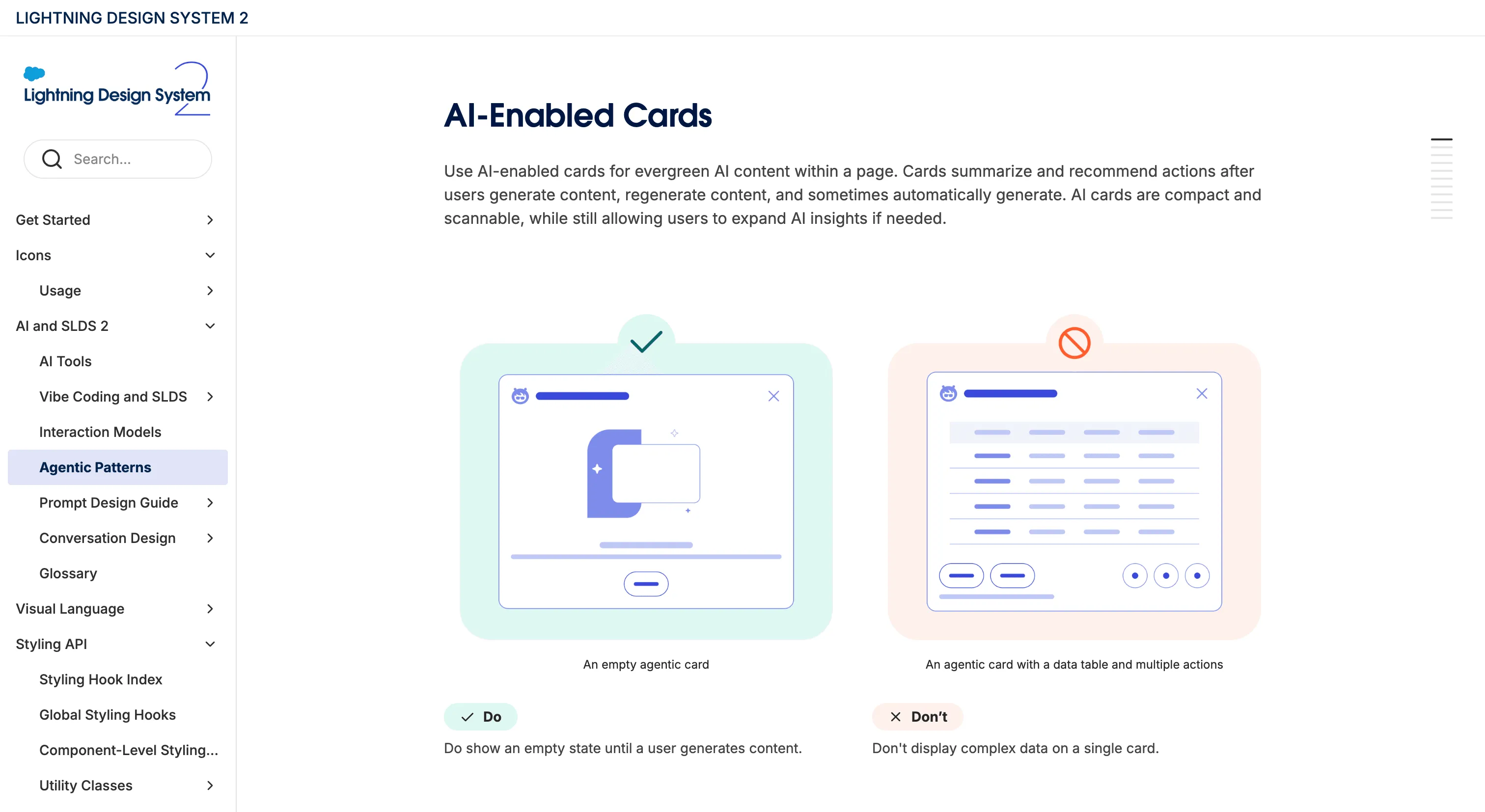
Package the system's rules as installable agent skills (validate with a graded score, apply, migrate) that draw on the same rule source as the linter, and preinstall them in a starter kit.