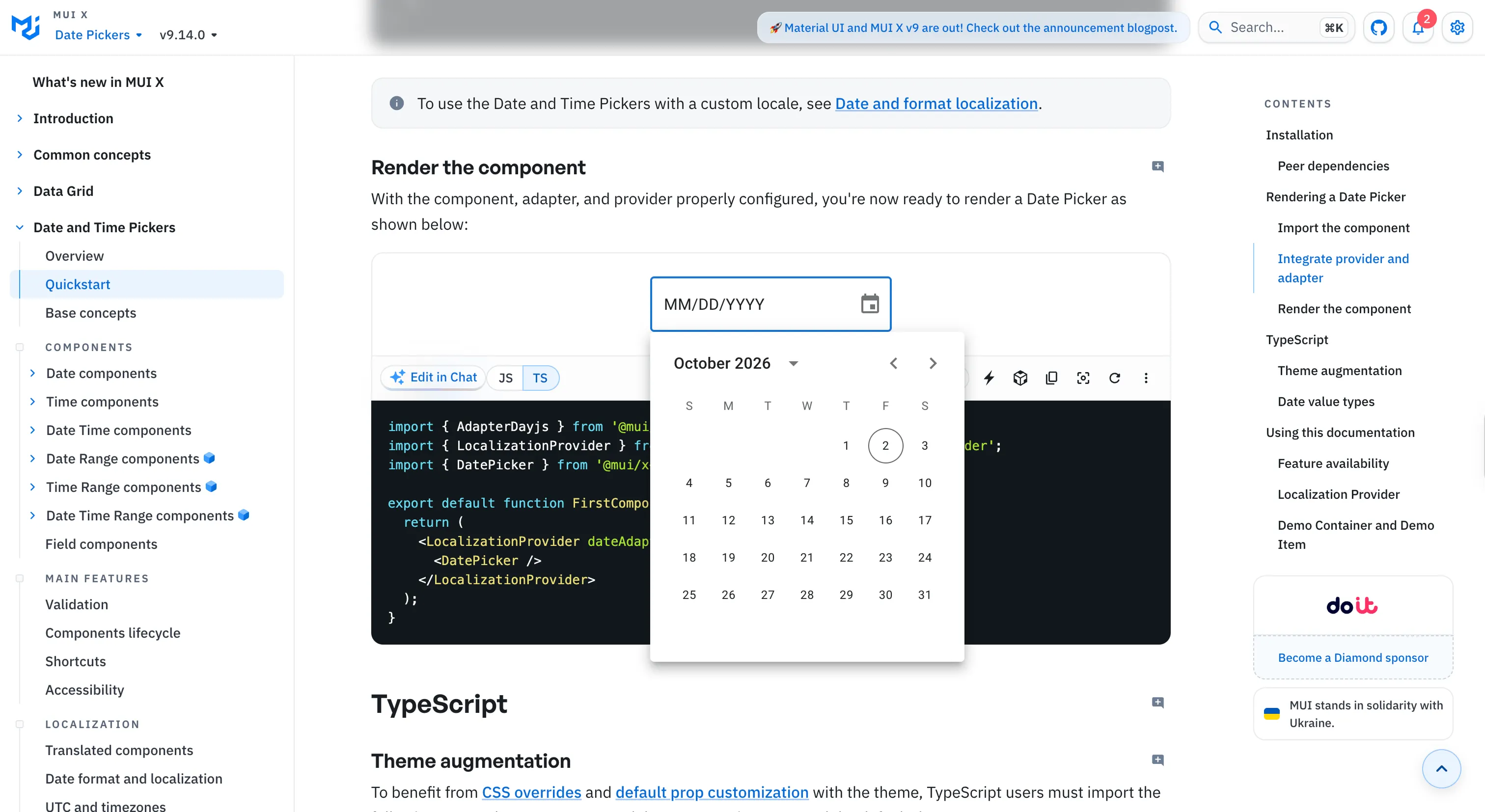
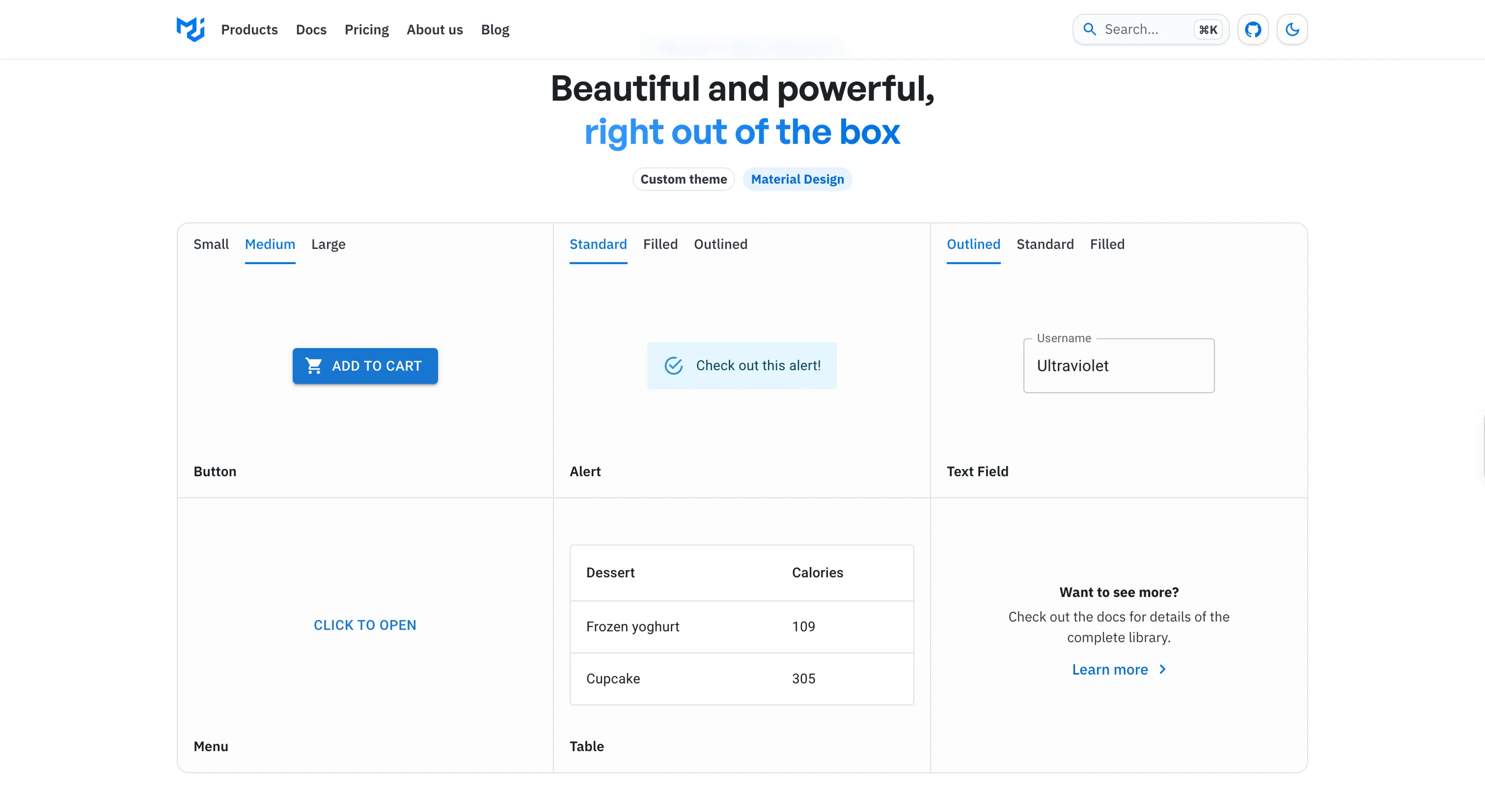
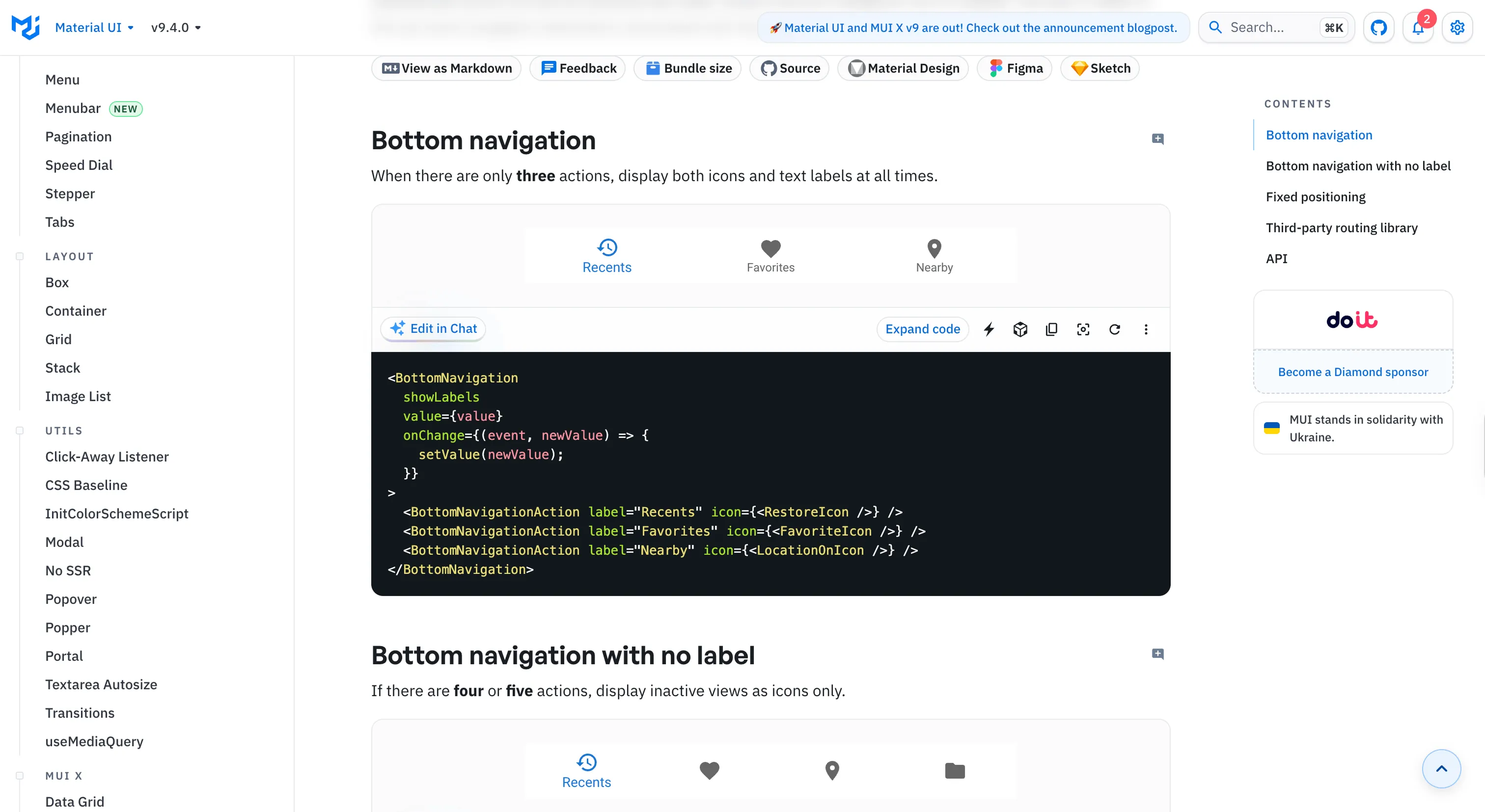
An open-source implementation of Material Design. Its users are developers, so the design problem is as much API and theming as visuals.
Why we like it
MUI is the developer-adoption benchmark, one of the most-downloaded UI libraries in the React ecosystem, and its influence is hard to overstate: the sx prop and the theme object set the styling pattern a whole generation of React apps copied. Because its users write code, the real craft is in the API surface, and that's where the attention goes.
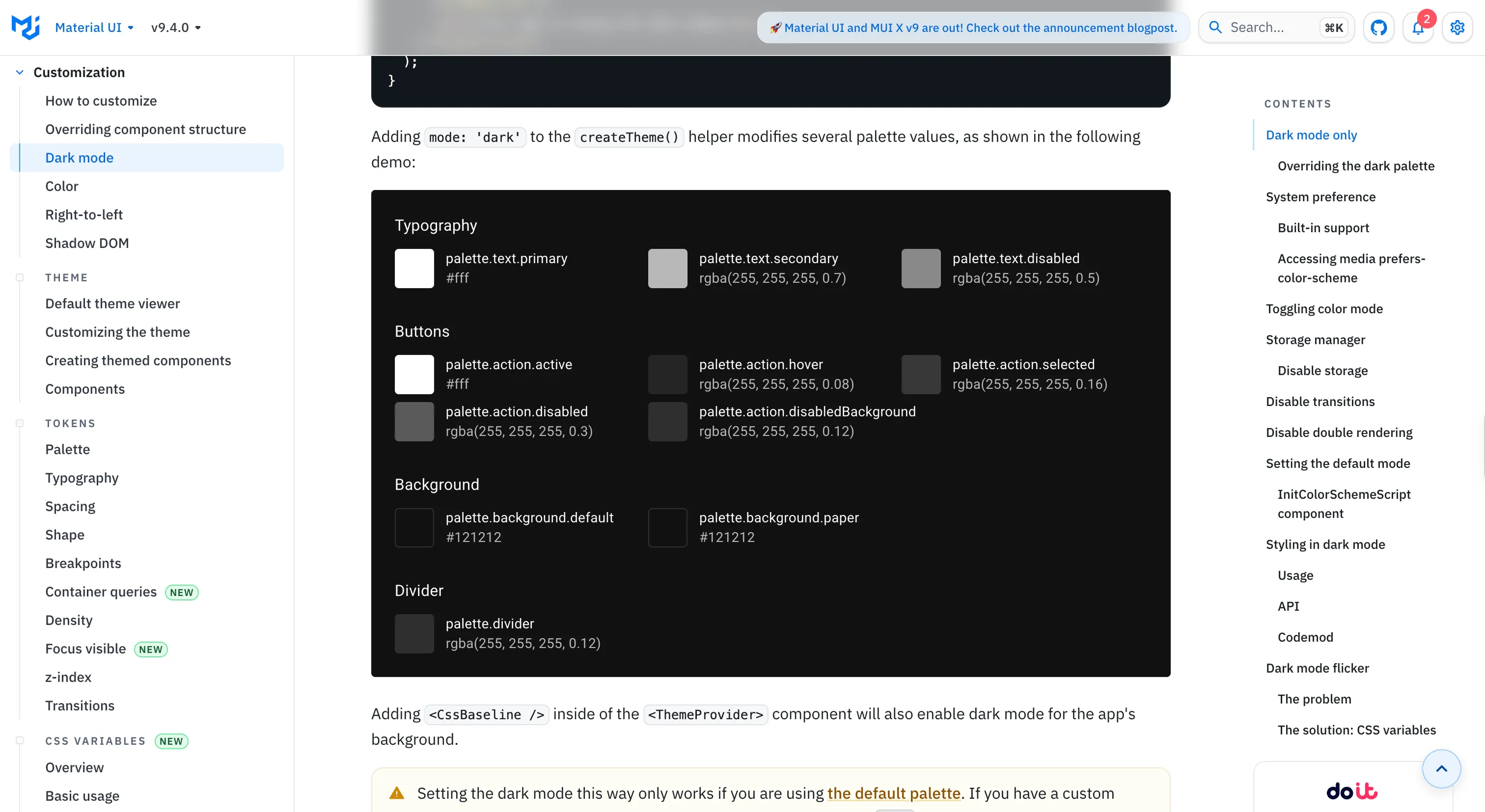
It keeps moving, too. Version 6 emits theme values as CSS variables you can inspect in devtools and fixes dark-mode flicker on server-rendered pages, with a color-scheme hook that syncs across tabs. There's an experimental zero-runtime styling path that keeps the familiar authoring API while moving styles to build time.
Where it fits
MUI fits React teams, including server-rendered and Next.js apps, who want a mature, very large-ecosystem library with the sx and theme developer experience, for broad general-purpose apps.
Two things to know: it still implements Material Design 2, not 3, and the zero-runtime styling path is early and experimental.
Ideas to borrow
- 01.
Theming
Emit your theme as CSS variables, so themes are inspectable in devtools and dark mode has no flash on server-rendered pages.
- 02.
Architecture
Offer a zero-runtime styling path that keeps your existing authoring API while removing the runtime cost.