Workday's system for its HR and finance software, now rebuilt around the Sana visual language. Its writing guidance goes as far as how to format fiscal years and phone numbers.
Why we like it
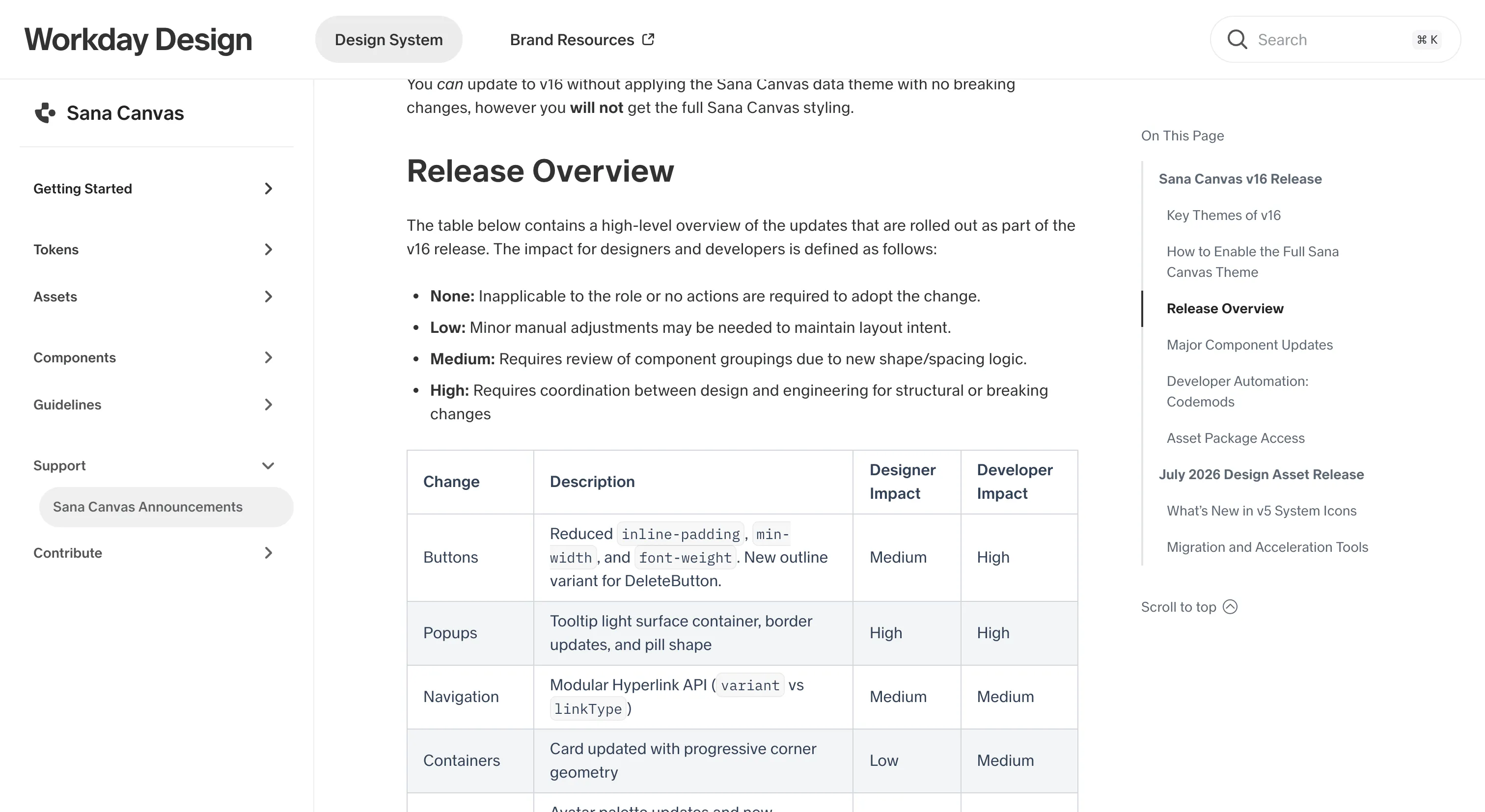
Sana Canvas separates two things most rebrands bundle together. Version 16 brings every component in line with the new Sana visual language, but the full theme is opt-in: load one stylesheet last, set a data-theme attribute on the page, and the product looks like Sana. Remove the attribute and it goes back to classic Canvas. Teams can take the major version without being forced into a rebrand the same day, and the release notes rate every change from none to high impact, separately for designers and developers.
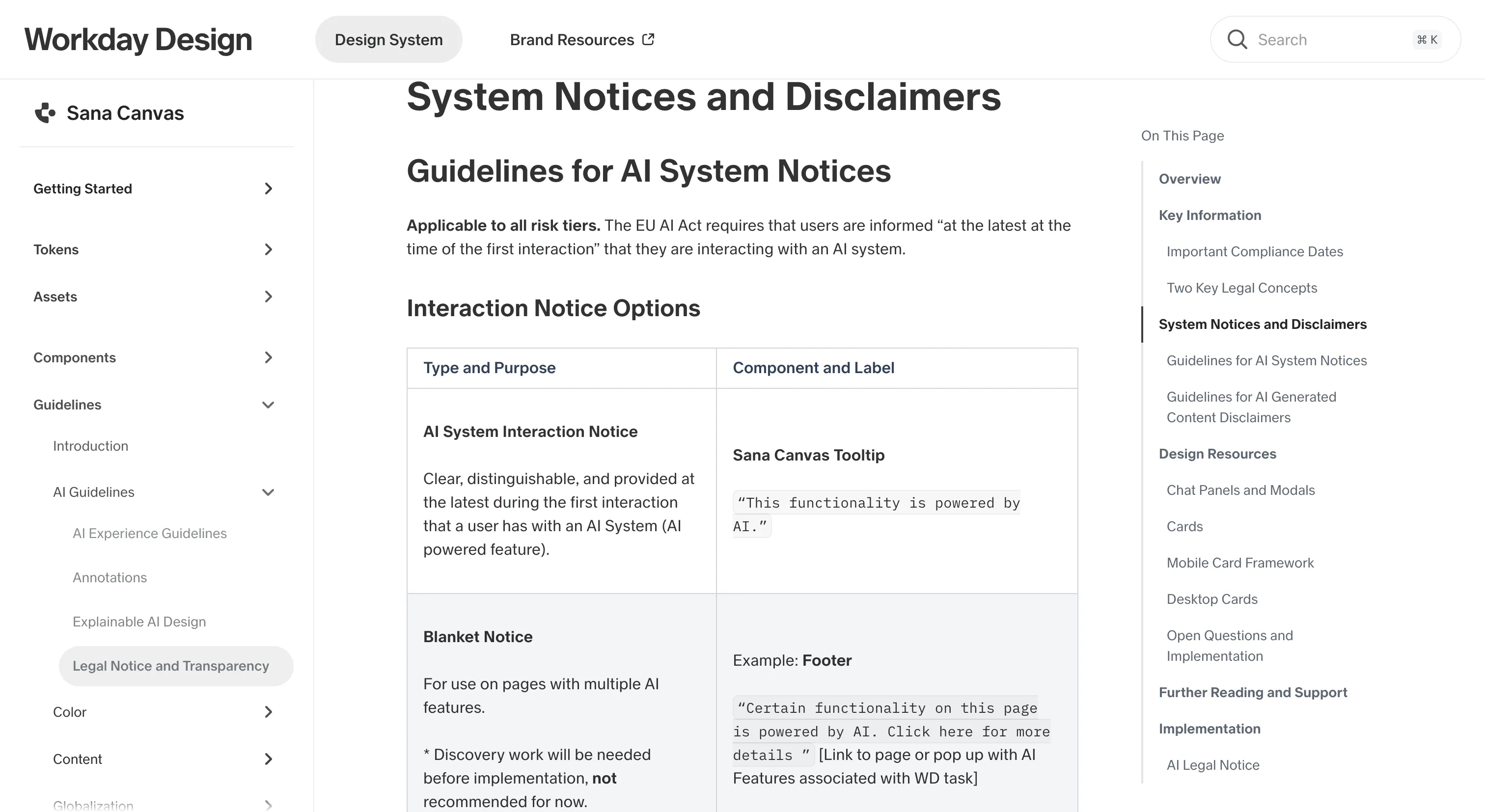
It's also one of the few systems treating AI disclosure as a design system problem. The legal notice guidance lists EU AI Act dates, with December 2026 flagged as the deadline for most features currently in design, and gives the exact notice copy to use, delivered through a standard tooltip. The repo ships an MCP server and a set of agent skills with a stated order, starting with detecting which version is installed, so a coding agent picks guidance that matches the code in front of it.
Where it fits
Sana Canvas fits large enterprise teams building dense, form- and table-heavy React web apps that need tenant branding, many locales, right-to-left support and patterns for disclosing AI features. It's a strong reference for anyone adding agentic AI to transactional software.
The rename is still working its way through, so packages, Storybook and many pages still say Canvas Kit. Tokens and icons are licensed CC BY-ND, which allows use but not modified redistribution, so borrow the ideas more than the files. The public code is web only, and many guideline pages link to Workday-internal resources that outside readers can't open.
Ideas to borrow
- 01.
AI-readiness
Ship an MCP server and versioned agent skills inside the component repo, with version detection as the first skill, so agents follow guidance for the version that's installed.
- 02.
Theming
Separate matching the new visual language from opting into the new brand theme, using one data attribute and a stylesheet loaded last, so teams can upgrade without a forced rebrand and switch back by removing the attribute.
- 03.
Accessibility practice
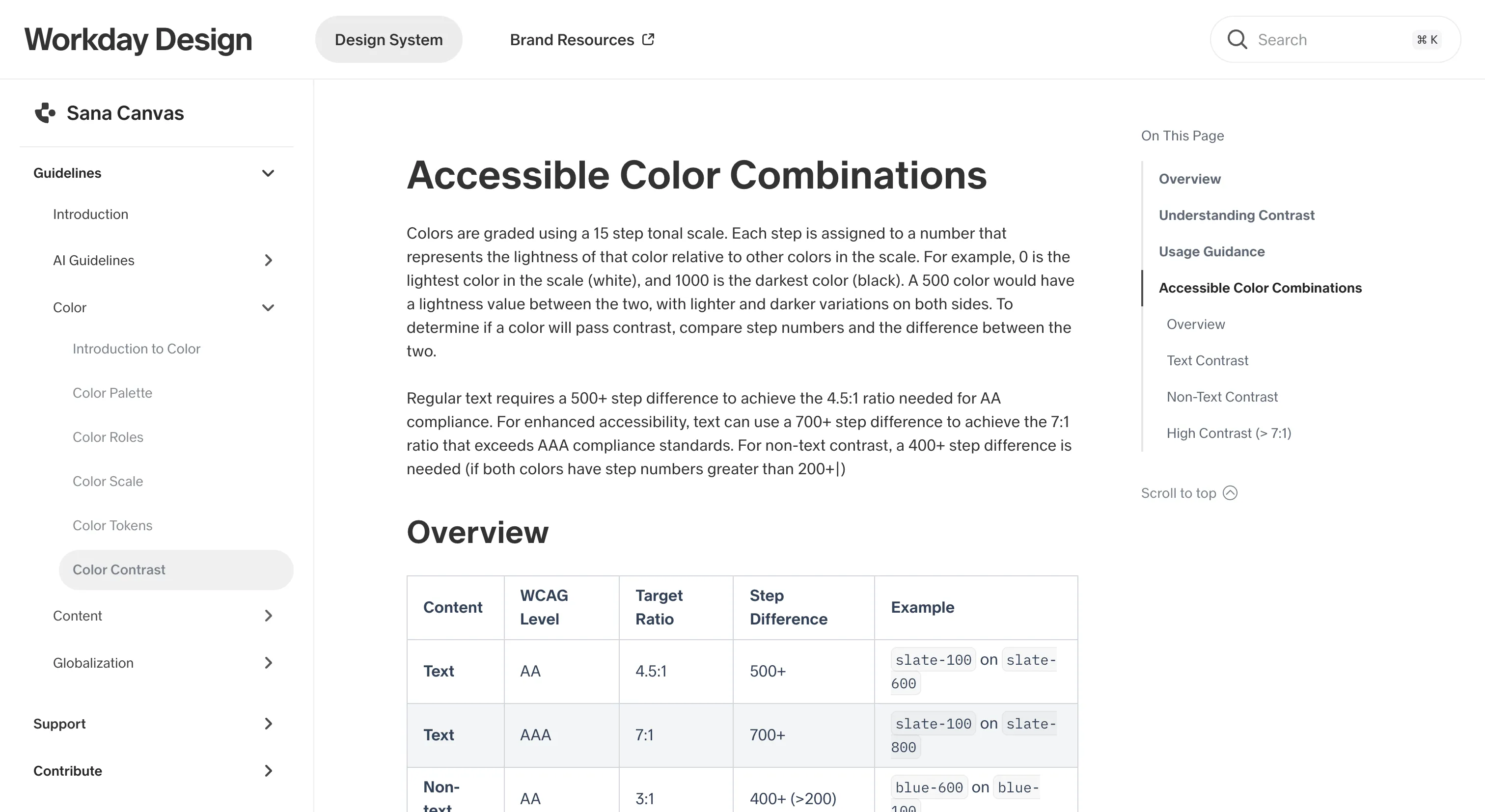
Encode contrast in the palette's step numbers, so a 500-step gap means AA text and designers can choose compliant pairs without a calculator.