Shopify's system for apps that run inside Shopify, from the admin through to checkout. Now built as web components, so one set of parts works across every surface a merchant sees.
Why we like it
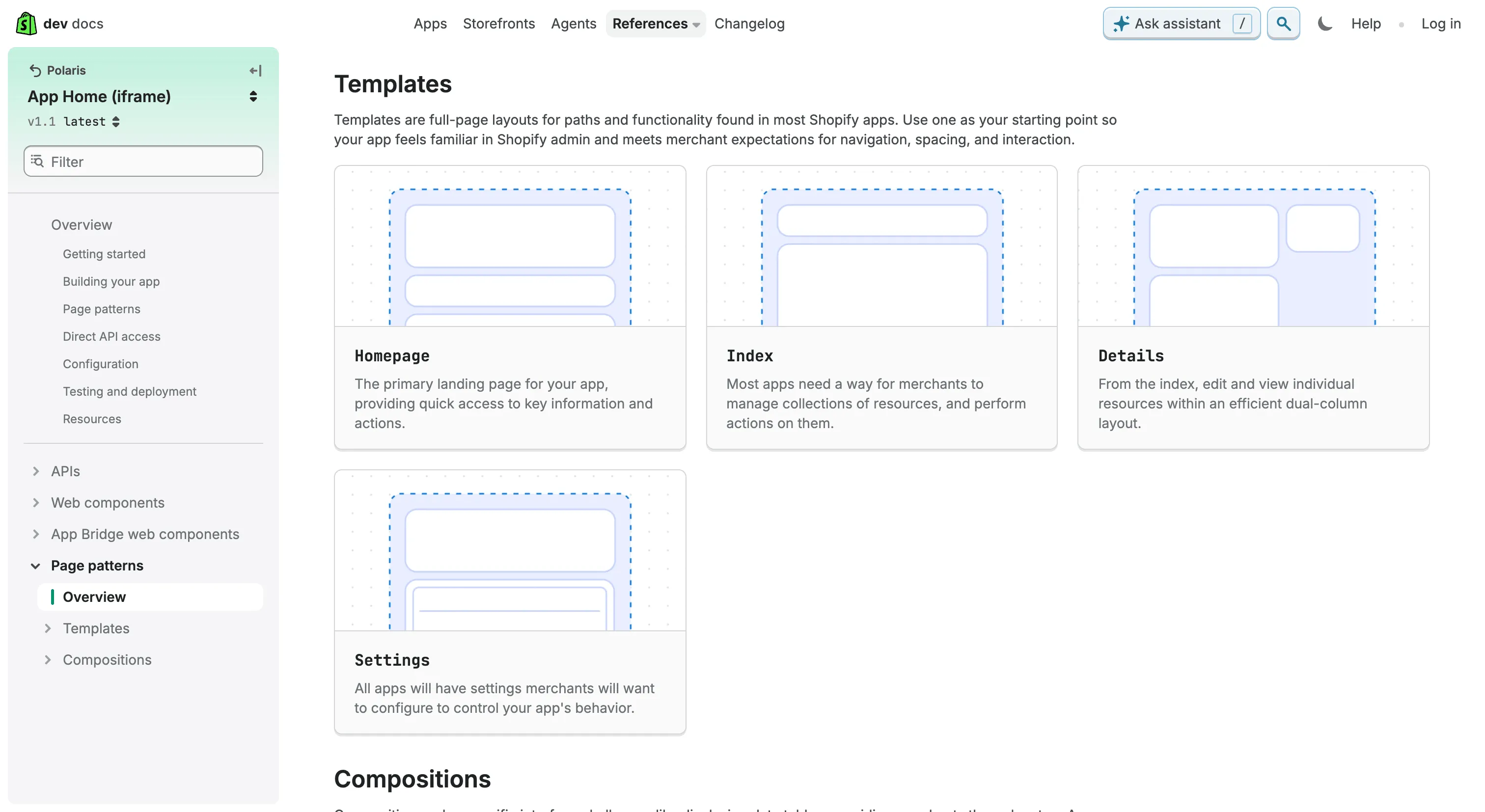
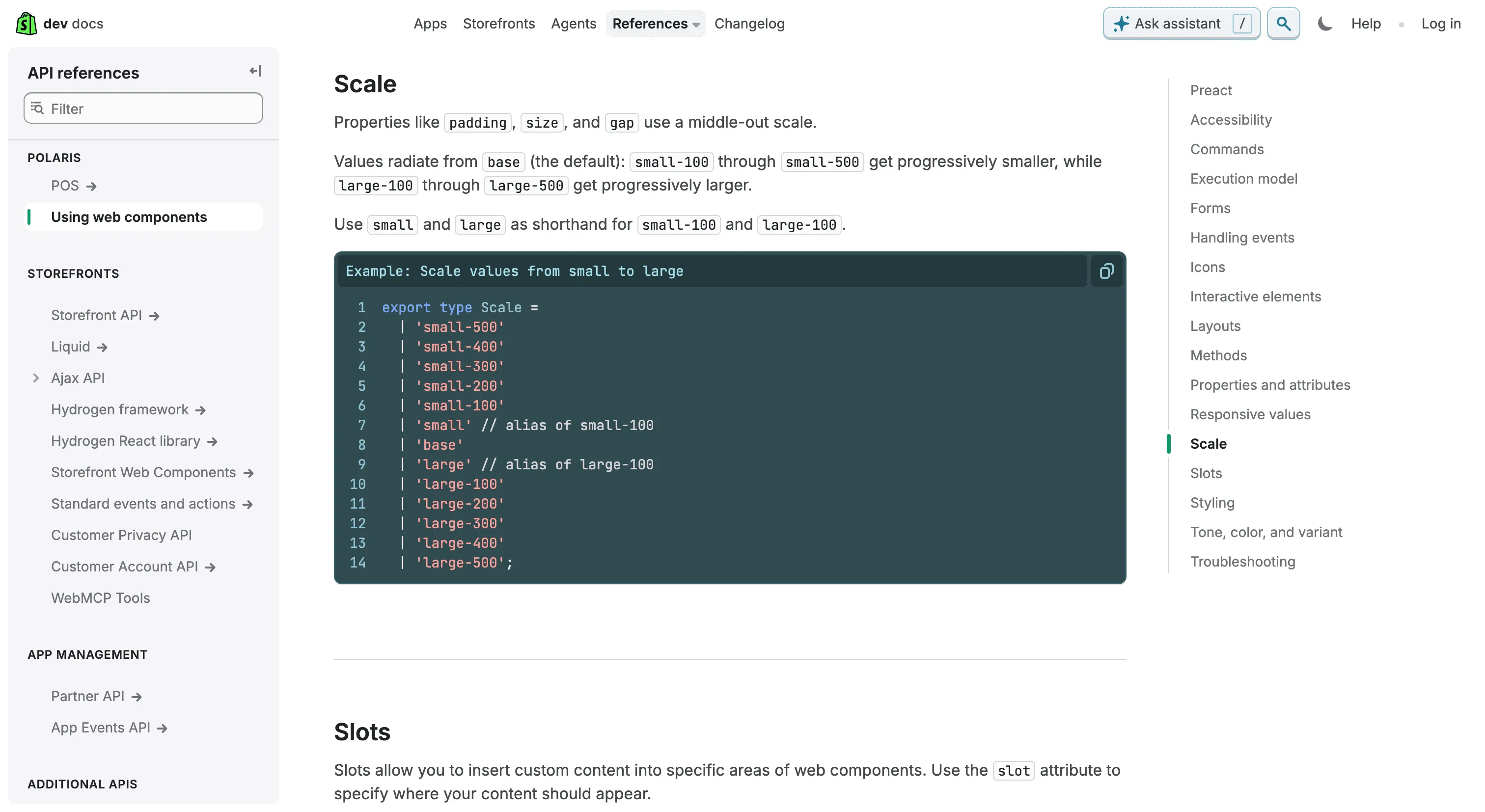
Polaris made one of the boldest moves of any large system in recent years. Shopify archived the React library a generation of app developers knew, rebuilt Polaris as web components, and gave it one set of s- elements that renders across six surfaces: two flavors of App Home, the admin, checkout, customer accounts and point of sale. The same code picks up the admin's design language in one place and a merchant's checkout branding in another, and appearance is controlled only through props like tone and variant, because shadow DOM stops CSS overrides at the door.
It's also a useful record of what happens after a move like that. Developers called the unpinnable CDN build a production risk, and by August 2026 Shopify had moved to semver release channels: a stable major, a pinned minor and a rolling release candidate, with the types package locked to the same major. The Built for Shopify requirements are just as concrete. They list the reasons an app gets rejected, from a primary button in green or purple to serif body text or a black background, and tie them to App Store placement.
Where it fits
Polaris is for building inside Shopify: embedded apps in the admin, and extensions for checkout, customer accounts and point of sale. It isn't a general-purpose system to adopt elsewhere. The components load from Shopify's CDN with no public source, and the archived React library's license only covered apps that integrate with Shopify.
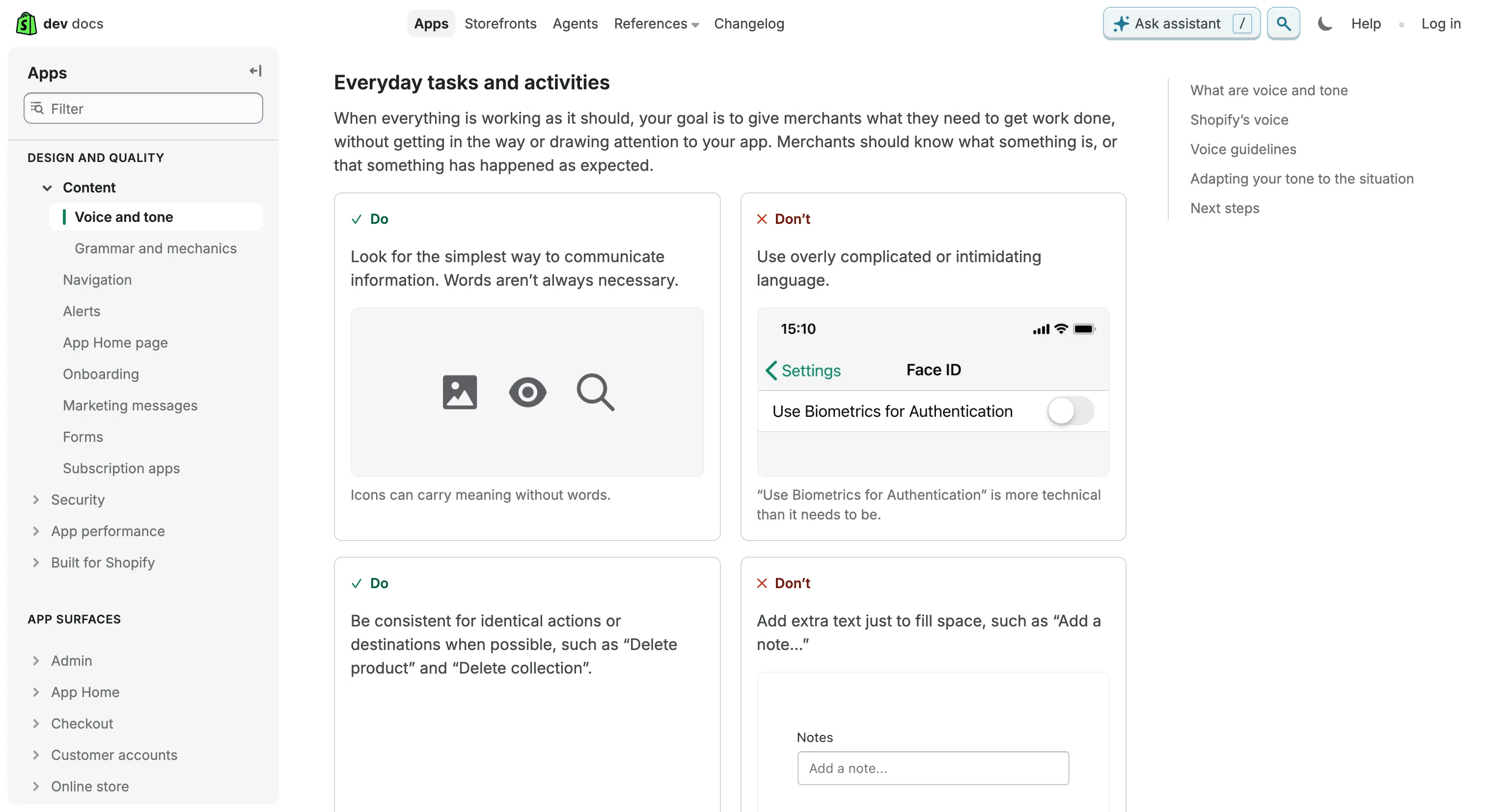
It's also mid-transition. Polaris 2.0 is a release candidate that follows each store's admin redesign, Built for Shopify apps have until May 2027 to match it, and the Figma kit hasn't caught up with Polaris 2 yet. The foundations content the old polaris.shopify.com was known for, covering tokens, motion and data visualization, didn't make the move, and design guidance now lives in the app design pages on shopify.dev. For teams outside Shopify, the value is in how a platform system handles distribution, release channels and third-party compliance.
Ideas to borrow
- 01.
Process/automation
Publish release channels as URLs, a stable major, a pinned minor and a rolling release candidate, with the types package locked to the same major, so consumers choose between automatic updates and pinning without you forking the distribution.
- 02.
Governance
Write adoption requirements as concrete, checkable reasons for rejection, like button color, font family, background and contrast, and tie them to an incentive teams care about.
- 03.
AI-readiness
Pair a migration guide with a ready-made agent prompt, a slice-by-slice order (page shell, then display, actions, forms and data views) and a Markdown copy of every docs page, so coding agents work from current API detail.